
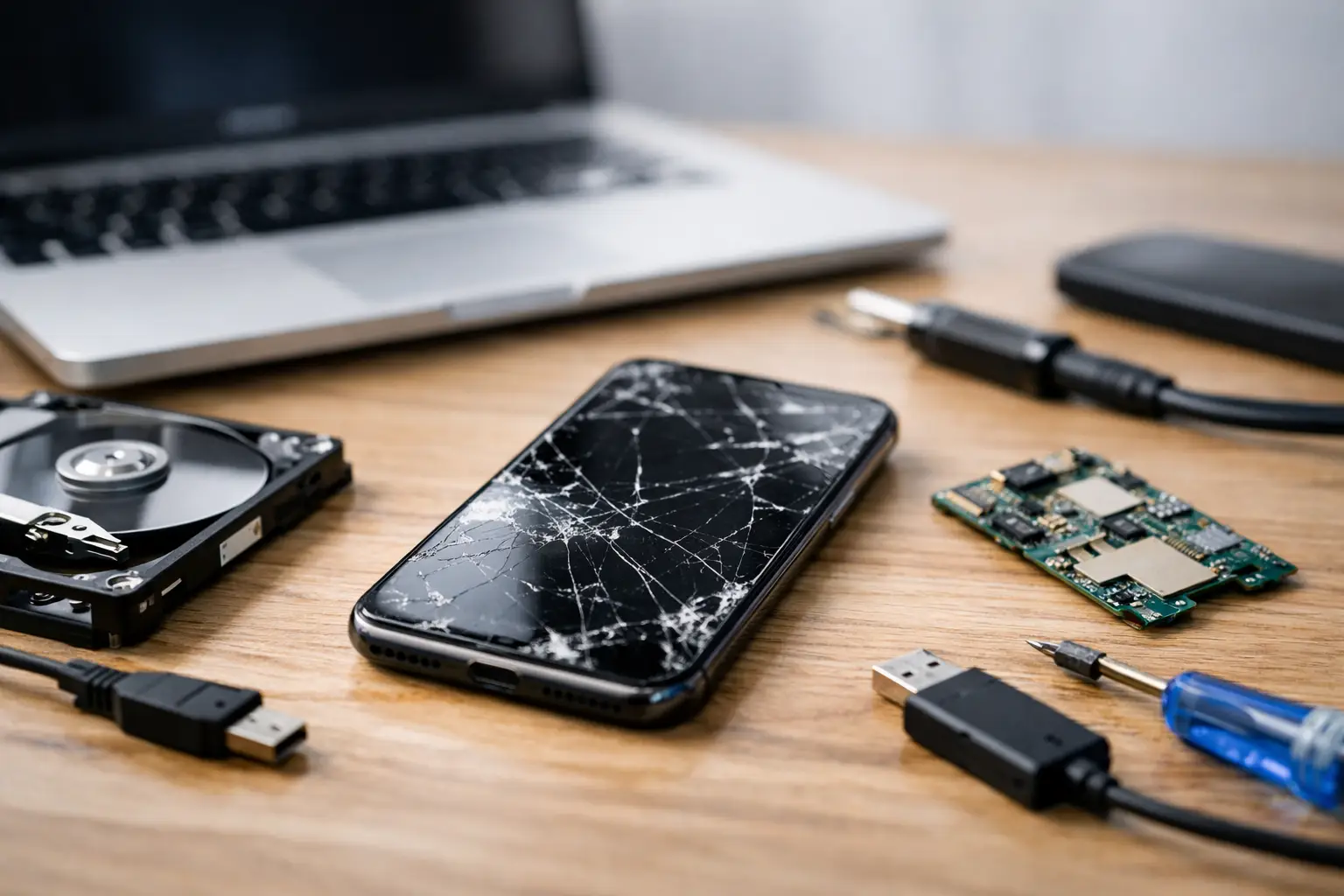
Your phone may look beyond saving after a bad drop, a liquid spill or a screen that suddenly stays black. That does not automatically mean your photos, messages and work files have gone too. Data recovery for broken phones is often possible, but the best outcome depends on the type of damage and, crucially, what you do next.
The temptation is to keep pressing buttons, plug it in repeatedly or try a string of online fixes. That can make a recoverable fault worse. A calm first step gives a technician the best chance of getting the phone working long enough to access the information that matters.
First, work out what has actually failed
A broken phone is not always a dead phone. The display may have failed while the handset is still switched on and receiving calls. The charging port may be damaged even though the battery and storage are fine. In other cases, the phone may appear lifeless because of a battery, power-management or motherboard fault.
This distinction matters because your files are normally stored in the phone's internal memory, not in the screen. If the handset still powers on, data recovery may be as straightforward as fitting a working screen, charging it safely or repairing the part preventing it from starting.
Look for signs of life without forcing the device. It may vibrate, make notification sounds, ring when called, show a charging symbol briefly or be recognised by a computer. A black display with these signs is often a display problem rather than lost data.
If the phone has been dropped and the glass is cracked but touch still works, back up your data immediately. Do not wait for the damage to spread. A small crack can turn into a failed display after another knock or moisture gets into the device.
What to do straight away
The right action depends on the damage, but a few rules apply in most situations. Do not factory reset the phone, install random recovery apps or keep restarting it in the hope that it will come back. Those steps can overwrite data, drain a weak battery or complicate diagnosis.
With a dropped phone, remove the case if it is trapping pressure around the frame, then stop using the device if it is overheating, bent, swollen or giving off an unusual smell. A swollen battery needs urgent attention and should not be charged.
With water damage, switch the phone off if you can and do not plug it in. Dry the outside carefully and keep it away from heat sources. Rice is not a reliable fix: it does not remove moisture from under components, and dust or starch can create further problems. The sooner a water-damaged device is assessed and professionally cleaned, the better the chance of preventing corrosion.
If the screen has stopped responding but you can see the display, use your usual passcode if possible and back up to your cloud account over Wi-Fi. If you have previously enabled cloud backup, check from another device whether recent photos, contacts and files are already stored there. This may reduce the amount that needs recovering from the handset itself.
Why access is often the real challenge
Modern phones protect personal information with encryption. That is good for privacy, but it means recovering data is rarely as simple as removing a memory chip and reading it elsewhere. Your phone generally needs to start properly and be unlocked with your passcode, PIN or approved biometric method before its data can be accessed.
For that reason, a repair that restores power or replaces a damaged display can be the safest route to your files. The goal may not be to make an old handset perfect again. It may simply be to get it stable enough for you to unlock it, create a backup and transfer everything to a replacement device.
This is especially relevant when a screen is completely black. If the phone is still operating in the background, a temporary screen replacement may allow you to enter your passcode and retrieve photos, WhatsApp chats, notes, documents and authenticator details. Some phones can also be operated with an approved adapter and external display, but this depends on the model and whether the device is already unlocked.
A phone that cannot power on is more complex. A technician will need to identify whether the issue is the battery, charging connection, display, power circuit or board itself. Honest diagnosis matters here. No reputable repair service should promise every file can be recovered before inspecting the device.
Data recovery for broken phones after water damage
Liquid damage is unpredictable because its effects can appear hours or days later. A phone might work initially, then fail as corrosion develops around the charging circuit, display connectors or main board. Acting quickly can make the difference between a straightforward repair and a much more involved recovery attempt.
Do not test every feature after a spill. Repeatedly trying to charge it sends power through components that may still be wet. Instead, keep it switched off and arrange an assessment. Professional cleaning and repair may restore the phone sufficiently to back up the data, even where a permanent repair is not economical.
The type of liquid matters. Clean water is usually less damaging than salt water, fizzy drinks or sugary liquids, which leave conductive residue behind. Even so, there is no safe waiting period. Leave it too long and corrosion can continue quietly inside the phone.
What a professional technician can do
A proper data recovery assessment starts with the least invasive option. The technician checks whether the phone is powering up, whether it draws power normally and whether the display, battery or charging system is at fault. From there, they can recommend the most sensible route: repair the failed component, stabilise the board for a backup, or explain if recovery is unlikely.
For many everyday faults, replacing a screen or battery is enough to regain access. For more serious damage, such as a failed charging circuit or board-level fault, specialist microsoldering work may be needed. This can take longer and cost more, so it is worth being clear about what you need most: a fully functioning phone, the data alone, or both.
Ask for transparent pricing before work begins and explain which files are irreplaceable. Photos from a family event, business documents, voice notes and banking or travel apps may have different priorities. A good repair service will protect your privacy, ask you to enter passwords yourself where possible and avoid accessing more information than is necessary.
At Best Tech Repair, technicians can assess damaged phones and explain the practical options before you commit. For commuters and central London workers, the Piccadilly Circus Underground Station location can be particularly useful when a broken phone is disrupting the rest of the day.
Before handing over your phone
If the device is usable, make a quick note of its model, the passcode if you are comfortable providing it through the agreed process, and the last time it worked normally. Tell the technician whether it was dropped, exposed to liquid, overheated or had a recent software update. These details can speed up diagnosis.
If you can still use the screen, turn off any security feature that will lock the device after a very short period and make sure you know your passcode. Face and fingerprint recognition may not work after a restart. You should also remove the SIM card if you need it in a replacement phone straight away, unless the technician asks to keep it in place for testing.
Avoid attempting a software update or reset before an assessment. A software fault can sometimes be fixed without losing information, but a reset is designed to erase it. Likewise, be cautious with recovery software that asks you to install an app on the damaged handset. It cannot repair physical faults and may need access the phone is not capable of granting.
Prevent the next data scare
Once your data is safe, set up automatic backups over Wi-Fi and check that they are actually completing. Keep enough cloud storage available, back up important files separately where practical, and save recovery codes for essential accounts somewhere secure. These small habits are far less stressful than trying to recreate years of photos after an accident.
A damaged phone is frustrating, but it is not the moment to assume the worst. Stop using it when there are signs of physical or liquid damage, avoid risky DIY fixes, and get a clear assessment early. The faster you protect the device, the better the chance that the things stored on it can come back with you.
Need it fixed today?
Best Tech Repair is inside Piccadilly Circus Underground Station (Unit 4, London W1J 9HS), open 10am–10pm every day. Walk in, or book a repair online. See our data recovery and mobile phone repair pages for what we fix. Free diagnostic, and no fix, no fee.