
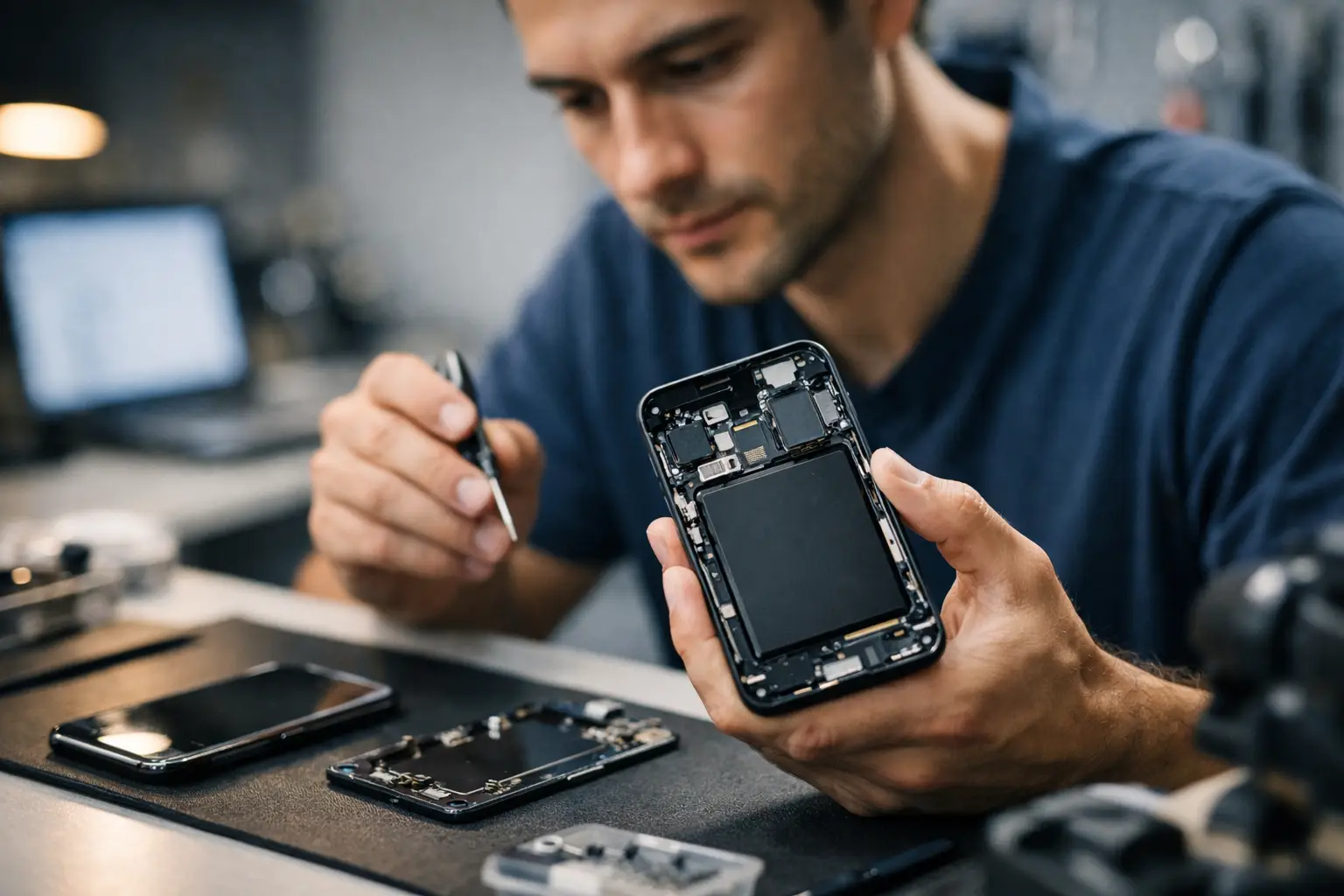
Handing over a phone for repair can feel more personal than handing over your wallet. Your messages, photos, banking apps, work emails and saved passwords all live on one device - so it is completely fair to ask, do phone repair shops go through your phone?
The short answer is that reputable repair shops should only access what is necessary to diagnose, test and complete the repair. But the honest answer is a bit more nuanced than that. Some repairs can be done without opening anything on your phone beyond basic testing. Others do require limited access to check that the screen, camera, speaker, microphone, Face ID, charging port or software are working properly once the job is finished.
Do phone repair shops go through your phone during repairs?
A trustworthy technician does not need to scroll through your private content out of curiosity, and they should not. In a professional shop, the goal is to fix the fault, confirm the device works correctly and return it as quickly as possible.
That said, technicians may need to interact with the phone in practical ways. If you book a screen replacement, they may need to unlock the device to test touch response, brightness, front camera, earpiece and sensors. If you have a charging issue, they might need to check battery health or charging behaviour. If the problem is software-related, they may need broader access because the fault itself sits inside the operating system rather than a single part.
The key difference is purpose. There is a clear line between opening settings or testing features, and looking through personal photos, messages or social media. A reliable repair shop understands that line and treats your data with care.
When access is genuinely needed
Not every job is the same, which is why the answer depends on the repair.
For simple hardware repairs, such as a cracked screen, battery replacement or speaker repair, the technician usually needs only enough access to confirm the phone responds properly after the part is fitted. That might mean unlocking the device, opening the camera app, making a quick test call, checking the touchscreen or plugging in a charger.
For software issues, the technician may need more. If your phone is stuck in a boot loop, crashing, overheating, freezing or refusing to back up, diagnosing the fault often involves reviewing settings, storage, updates, app behaviour or system warnings. In those cases, some level of access is part of the job.
For data recovery, access is obviously more sensitive. If the whole point of the repair is to recover lost files, the technician may need to work directly with the phone's storage or operating system. Even then, the process should be handled with a clear explanation of what is needed and why.
What a professional repair shop should do instead
A good repair service does not leave you guessing. They explain whether your passcode is needed, what testing will be carried out and whether you can stay available to unlock the device yourself if preferred.
In many cases, customers can enable repair mode if their device supports it, remove sensitive apps from view, or provide access only for final testing. Some customers also choose to stay in the shop for part of the process when the repair is quick. That is not always possible for every job, but a transparent shop will talk you through the options rather than brushing off the question.
You should also expect clear boundaries. A technician should not ask for unrelated passwords, request access to personal accounts without reason or become vague when asked why they need your passcode. Straight answers matter.
Signs a repair shop takes privacy seriously
Trust starts before the repair begins. A professional shop usually gives you confidence through the way it handles the whole service, not just the technical work.
Look for straightforward communication, written job notes, clear pricing and a willingness to explain the testing process. If a shop is evasive about privacy, that is worth paying attention to. If it can explain exactly why access is needed for your repair, that is usually a better sign.
Reputable businesses also tend to focus on process. They want to diagnose the problem, fit the part correctly, test the repair and hand the phone back fast. They are not interested in wasting time poking around a customer's device. In a busy central London repair environment, speed and reputation matter far more than curiosity.
How to protect your privacy before handing over your phone
If you are worried, there are sensible steps you can take before the repair. These do not make you difficult - they make you prepared.
Back up your data first if the phone still works. That protects you in case the fault gets worse, and it gives you more flexibility if the device needs a reset. Remove payment cards from your digital wallet if possible, log out of banking apps you do not want open, and disable notifications from the lock screen so messages are not visible at a glance.
If your phone offers a repair mode or maintenance mode, use it. Some devices now include this specifically to protect personal files while still allowing basic function testing. If that option is not available, ask the shop whether the repair can be tested without full access.
You can also remove your SIM card if it is not required for the job, though some call and network tests may need it in place. If the fault involves signal, calls or mobile data, let the technician know before taking it out.
Finally, ask questions before you leave the phone behind. Will you need to share your passcode? What exactly will be tested? Will the device be reset? A good shop will answer these quickly and clearly.
Should you give a repair shop your passcode?
Sometimes yes, sometimes no.
If the repair can be tested fully from the lock screen or with your help at collection, you may not need to share it at all. For example, if the issue is purely external and easy to confirm, the technician may be able to complete the job without full access.
But for many common repairs, giving the passcode can speed things up and help avoid repeat visits. If a new screen has been fitted, the technician needs to know the touch works across the whole display. If a battery has been replaced, they may need to check charging behaviour and battery recognition. If Face ID, cameras, speakers or sensors are involved, unlocking the phone may be the only realistic way to test properly.
The practical approach is to give access only when necessary and only to a repairer you trust. If you are uncomfortable, ask whether you can unlock it in person for testing when you return.
What if you think someone has looked through your phone?
If something feels off, do not ignore it. Start by checking whether apps were opened recently, photos were viewed, or settings were changed without explanation. Keep in mind that some app activity may be related to genuine testing, so context matters.
If you suspect improper access, ask the shop directly for a clear account of what was tested. A professional business should be able to explain its process without getting defensive. If the explanation does not stack up, change your passwords, review account security and remove saved sessions from important apps.
Most repair shops are not interested in your private life. Their business depends on trust, repeat custom and good word of mouth. Still, choosing a repairer carefully is the best way to avoid that worry in the first place.
Choosing a repair shop you can trust
The best repair experience is not just about getting the phone working again. It is about feeling comfortable from the moment you hand it over.
Look for a shop that is clear about turnaround times, explains the fault in plain English and does not make privacy questions feel awkward. Fast service matters, especially when you rely on your phone for work, travel and everyday life, but trust matters just as much. A rushed answer to a privacy concern is a red flag.
At a dependable local repair shop, the process should feel simple. You explain the fault, the technician explains the repair, and you know what access is needed before any work starts. That is how repairs should be done - quickly, properly and with respect for your data.
If you are still asking yourself, do phone repair shops go through your phone, the safest answer is this: the right shop only accesses what it genuinely needs to complete the repair. If they cannot explain that clearly, keep your phone and go elsewhere.
Your phone holds a large part of your life. Any repair service worth using should treat it that way.
Need it fixed today?
Best Tech Repair is inside Piccadilly Circus Underground Station (Unit 4, London W1J 9HS), open 10am–10pm every day. Walk in, or book a repair online. See our mobile phone repair and data recovery pages for what we fix. Free diagnostic, and no fix, no fee.