
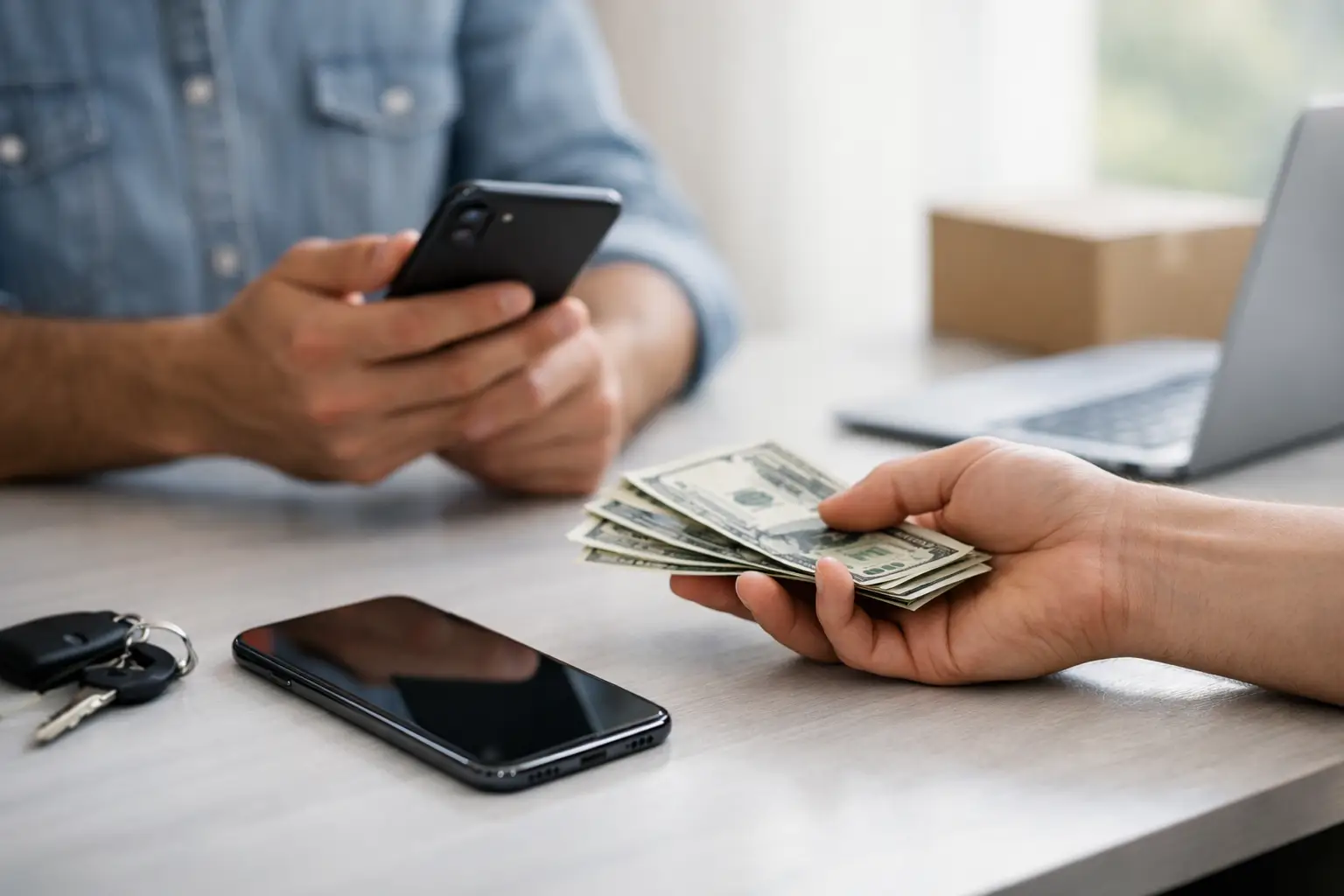
A new handset is exciting until the old one is still sitting in a drawer, full of photos, banking apps and personal messages. If you are thinking, “sell my phone”, taking ten minutes to prepare it properly can protect your privacy and help you get a fairer price.
The best route depends on your phone’s condition, how quickly you need the money and how much effort you are happy to put in. A pristine recent model may be worth selling privately. A phone with a cracked screen or weak battery may still have value, but repairing it first can sometimes make more financial sense.
Before You Sell My Phone: Check What It Is Worth
Start with the exact model, storage capacity and network status. Two phones that look almost identical can have very different resale values. Check the model number in Settings, then be honest about its condition. Buyers and trade-in services usually assess the screen, frame, cameras, charging port, battery health and whether every feature works as it should.
A small scratch on the casing is unlikely to make a major difference. A cracked display, Face ID or fingerprint issue, damaged camera lens, swollen battery or charging fault will. Do not describe a phone as fully working if it has an intermittent problem. A rejected quote or a dispute later is rarely worth the extra few pounds.
Original packaging, a genuine charging cable and proof of purchase can help reassure a private buyer, although they are not essential. The phone itself, its condition and a clean ownership history matter most. If you know the handset is still under a finance agreement or has been reported lost, do not attempt to sell it. Devices with a blocked IMEI cannot be used normally and may be refused by buyers.
Decide Whether Repairing It First Is Worth It
Selling a damaged phone as it is can be the quickest option, but it is not always the best value. A cracked screen makes a modern phone look less desirable even when everything underneath works perfectly. The same is true of a battery that barely lasts until lunchtime or a charging port that only works at a certain angle.
Before accepting a low offer, compare the likely repair cost with the difference between the damaged and working resale price. It depends on the model and fault. On some newer handsets, a quality screen replacement or battery replacement can make a clear difference to what buyers will pay. On an older device, the repair may cost more than the additional value it creates.
There is also the question of convenience. If a repair gets you several more months of reliable use, you may not need to replace the phone yet. For commuters, students and office workers who depend on their handset every day, a same-day repair can be less stressful than transferring everything to a new device in a rush. Best Tech Repair can assess common faults and explain the practical options clearly, so you can decide whether to repair, keep or sell.
Protect Your Data Before You Hand It Over
Your old phone holds more information than most people realise. Photos and messages are obvious, but saved passwords, authenticator apps, digital tickets, payment cards and health data can be just as sensitive. Removing the SIM card is not enough.
First, make a current backup. For an iPhone, check that iCloud backup has completed or create an encrypted backup on a computer if you want to retain passwords and health information. For Android, confirm that your Google backup is up to date and copy any folders or files that are not included automatically.
Next, sign out of key services and remove payment methods. On an iPhone, sign out of your Apple Account and turn off Find My before erasing it. On Android, remove your Google account and disable the device-finding feature. These steps matter because activation locks are designed to stop stolen phones being reused. If you forget to remove the lock, a legitimate buyer may be unable to set up the phone and the sale can fall through.
Then perform a full factory reset through the phone’s settings. Once it restarts at the welcome screen, do not set it up again. Check that the SIM and any memory card have been removed. If you use an eSIM, contact your network or follow its guidance for moving or cancelling the plan before selling.
Keep the serial number or IMEI in your own records, along with a photo of the phone’s condition before it leaves your hands. This is sensible evidence if there is ever a question about the device later.
Choose the Right Way to Sell Your Phone
There is no single best selling method for everyone. Private selling often brings the highest price, particularly for a clean, popular model. The trade-off is time. You need to take good photos, answer messages, meet safely or arrange postage, and deal with people trying to negotiate.
A trade-in or phone-buying service is generally simpler. The quoted amount may be lower than a private sale, but the process can be quicker and more predictable. This can suit anyone replacing a phone before work, travelling soon or simply wanting to avoid marketplace messages.
Selling to a local buyer lets you inspect the transaction in person and avoid posting a valuable device. If you meet a private buyer, choose a busy public place, do not hand over the phone until payment has cleared, and be cautious of screenshots claiming a bank transfer is pending. Cash carries its own risks, so use sensible judgement and never feel pressured to complete a sale.
Posting can be convenient, but package the phone securely and use a tracked, insured service appropriate to its value. Photograph the handset, packing process and parcel label. These small precautions are useful if a parcel is delayed or damaged.
Present Your Phone Honestly and Well
A clean phone photographs better and gives buyers confidence. Wipe the screen and case with a suitable soft cloth, clear dust from the speaker grilles carefully and remove old stickers. Avoid using harsh cleaning products or poking metal tools into charging ports.
Take photos in natural light against a plain background. Show the front, back, sides and any marks clearly. Include the phone switched on before the factory reset, if possible, to demonstrate that the display works. If there is a fault, photograph it and explain it in plain language. “Small chip on lower-right corner, touchscreen fully responsive” is far more useful than calling the device “good condition” and hoping nobody notices.
Your description should state the model, storage, colour, network status, battery condition if known, included accessories and any faults. Mention whether the phone has been repaired before, especially if non-genuine parts have been fitted. Straight answers build trust and reduce wasted time.
Avoid the Mistakes That Cost Sellers Money
The most expensive mistake is selling a phone before backing it up. The second is forgetting to remove an activation lock. Both can create problems that are difficult to fix once the device has changed hands.
Also avoid accepting the first quote without checking the details. Some buyers advertise a strong headline price, then reduce it sharply after inspection for ordinary signs of use. Ask how they assess condition, whether the quote is fixed, and what happens if they find an issue you were not aware of.
Be wary of requests to send a phone before payment, courier collection scams and messages that push you to move the conversation away from the selling platform. A genuine buyer will not need your security codes, bank login details or Apple Account password. If something feels rushed or unclear, stop and reassess.
Keep the Transaction Safe
If you are meeting a private buyer or seller, choose a busy public place and avoid sharing your home address. Confirm payment has arrived in your account before handing over the phone. A screenshot or notification is not the same as cleared funds. Do not send a handset by post until payment is genuinely received, and keep proof of postage and the phone’s IMEI if you do use a delivery service.
For buyers, ask for a simple receipt showing the date, model, IMEI, agreed price and the seller’s name. It will not turn a private sale into a warranty, but it provides useful evidence of the transaction. For sellers, record the IMEI and retain confirmation that the device was reset and removed from your account.
A good phone deal should leave both sides comfortable. Take ten extra minutes to test the device, verify the account status and protect your data. That small pause can save you from weeks of chasing a fault, a blocked handset or a phone that was never truly ready to change hands.
A Better Exit for an Old Phone
Selling a phone is not only about getting cash towards an upgrade. Passing on a working device helps extend its useful life and can reduce unnecessary electronic waste. Even a handset with faults may be repairable or suitable for parts rather than being left in a drawer.
Take the time to check its condition, secure your data and choose a selling method that fits your schedule. A fair sale is one where the buyer gets exactly what was described and you leave knowing your personal information has gone with you.