
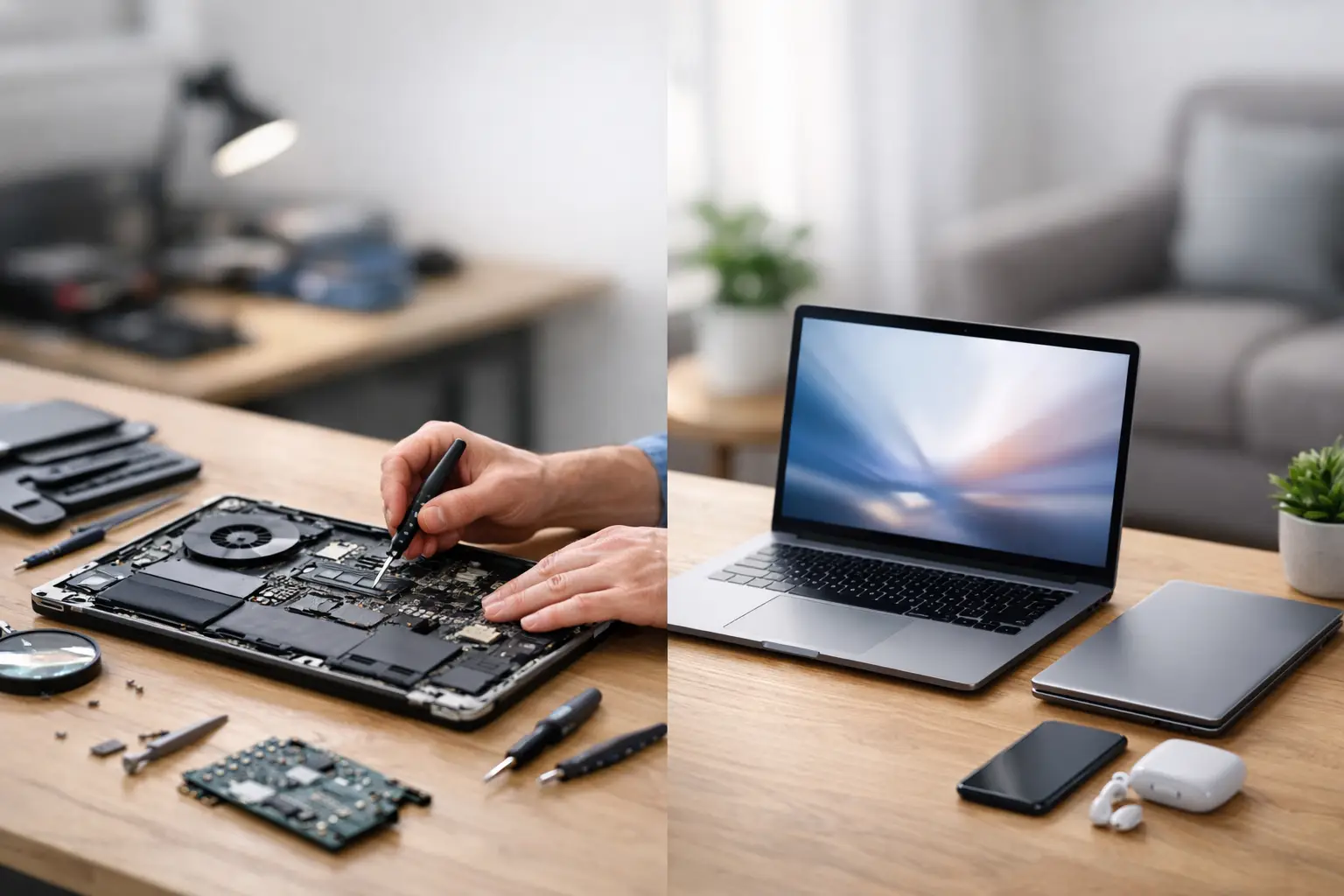
A laptop that fails the night before a deadline, freezes during a video call or only works while plugged in creates an immediate problem: do you pay to fix it, or start shopping for a new one? Laptop repair or replacement is rarely a simple age-based decision. The right answer depends on the fault, the machine’s overall condition, what you use it for and whether your files are safely backed up.
Replacing a laptop can feel like the quickest way to remove the stress. But many common faults are repairable for far less than the cost of a comparable new device. A proper diagnosis gives you the facts before you spend money unnecessarily.
Start with the fault, not the frustration
Some laptop problems look dramatic but have a straightforward cause. A machine that will not charge may need a replacement battery, charging port or power adaptor. A black or flickering display can be caused by a damaged screen, loose display cable or software issue. Slow performance may come down to a worn hard drive, limited memory, unwanted software or overheating.
These are often good repair candidates, particularly if the laptop is otherwise reliable and still meets your day-to-day needs. A student’s laptop with a cracked screen, for example, may not need replacing simply because the damage is visible. Equally, an office worker whose laptop has become painfully slow may regain a useful, responsive machine after storage or software work.
The key is not to guess. A technician should identify the actual fault, explain the available options and provide clear pricing. That is much more useful than assuming a laptop is beyond saving because it has suddenly stopped working.
When laptop repair makes the most sense
Repair is usually the sensible route when the issue is isolated and the laptop still does what you need. A quality screen replacement, battery replacement, keyboard repair, fan repair or charging-port repair can extend its working life without the cost and disruption of moving to a new device.
It can also be the better choice when your laptop contains important files, work documents, photos or software that would take time to transfer and set up again. Even if you ultimately choose a replacement, recovering data from the old machine may be the most valuable part of the job.
Consider repair first if your laptop is less than a few years old, has a decent processor, enough memory for your usual tasks and no history of repeated faults. The same applies to a higher-spec model that would be expensive to replace like-for-like. A repair that costs a modest portion of the price of a suitable new laptop can offer very good value.
Repair is also the lower-waste option. Replacing one faulty part rather than discarding a whole device keeps a capable laptop in use and avoids buying more technology than you actually need.
Repairs that are often worthwhile
Battery wear is normal. If your laptop runs flat quickly but performs well when connected to power, a new battery may restore the convenience you have lost. Screens are also commonly repaired, whether the panel is cracked, has lines through it or has gone dim.
Keyboard damage, broken hinges, faulty charging sockets, fan noise and storage failures can be worth fixing too. Software problems can be particularly misleading: malware, corrupt updates and operating system faults can make a healthy laptop appear finished when it needs careful troubleshooting instead.
When replacement is the smarter investment
There is a point where repair becomes a short-term answer to a longer-term problem. If a laptop has multiple failing components, is very old, cannot run the software you need or has become too slow for modern work, replacement may offer better value.
Age alone does not decide it. A well-built laptop from several years ago may still be ideal for browsing, coursework, email and documents. However, a machine that struggles with current security updates, video meetings, creative software or essential workplace applications can cost you time every day. That lost time matters, especially if you rely on the device for work or study.
Replacement is often worth considering after severe liquid damage. Water or other liquids can affect more than the part that first appears faulty. Corrosion may develop later, and a repair can be less predictable if several internal components have been exposed. A technician can assess the damage and give an honest view of whether repair is likely to be dependable.
The same applies to a damaged motherboard. Board-level faults can sometimes be repaired, but the price and likelihood of a lasting fix depend heavily on the model and the extent of damage. If the repair estimate approaches the cost of a newer laptop with a warranty, it is reasonable to look at replacement.
A practical way to compare laptop repair or replacement
Before deciding, compare the repair quote with the cost of a new laptop that genuinely matches your needs. Do not compare a repair to the cheapest device on the shelf if your current laptop is used for editing, business software, gaming or demanding study work. A cheap replacement that cannot handle your normal workload is not a saving.
Think about the likely lifespan after repair. If the machine needs one clear fix and has been reliable otherwise, repair is often a strong choice. If it needs a screen, battery, keyboard and charging port after years of heavy use, the combined cost may make replacement more sensible.
It also helps to consider the inconvenience. A new laptop needs setting up, updating, securing and transferring your files. You may need to reinstall paid software, reconnect printers and recover passwords. A same-day repair can be far less disruptive when you need your device back quickly.
Ask these questions before approving a repair:
- Is the fault limited to one part or are there several underlying issues?
- Will the repaired laptop run the software and updates I need over the next year or two?
- Is my data safe, and can it be recovered if the device cannot be repaired?
- How does the total repair cost compare with a suitable replacement, not just the cheapest replacement?
A trustworthy repair service will answer these plainly. If replacement is the better option, you should be told rather than pushed into a repair that does not make financial sense.
Do not let data decide the wrong way
People often replace a laptop in a hurry because they fear losing their files. That is understandable, but a laptop that will not start is not automatically a laptop with lost data. In many cases, documents and photos can still be recovered from the internal drive, even when the screen, battery or motherboard has failed.
Avoid repeatedly turning on a laptop after liquid damage, burning smells or unusual heat. Continuing to use it can make damage worse. If it has been dropped or is making clicking noises, stop using it and seek assessment promptly. The sooner the issue is checked, the better the chance of protecting your files.
Once your laptop is working again, set up regular backups. Cloud storage is useful for everyday files, but it should not be your only plan. Keep a separate backup of important documents and photos, especially if the laptop is essential for work, university or travel.
Choose a diagnosis you can trust
A quick repair is only useful when it is done properly. Look for a service that explains what has failed, uses quality parts where needed and gives transparent pricing before work begins. You should know whether the fault is likely to return, whether your data may be affected and what the realistic alternatives are.
For commuters and central London workers, convenience can be a major factor. Best Tech Repair at Piccadilly Circus Underground Station can assess common laptop faults without making you wait days to understand your options. That matters when your laptop is part of your working day, not something you can leave in a drawer.
The best decision is the one that restores a dependable device at a fair cost. If a focused repair gives your laptop years of useful service, there is no need to replace it early. If repeated faults and outdated performance are holding you back, replacing it can be the calmer, more cost-effective move. Start with a clear diagnosis, protect your data and choose the option that gives you confidence when you next open the lid.