
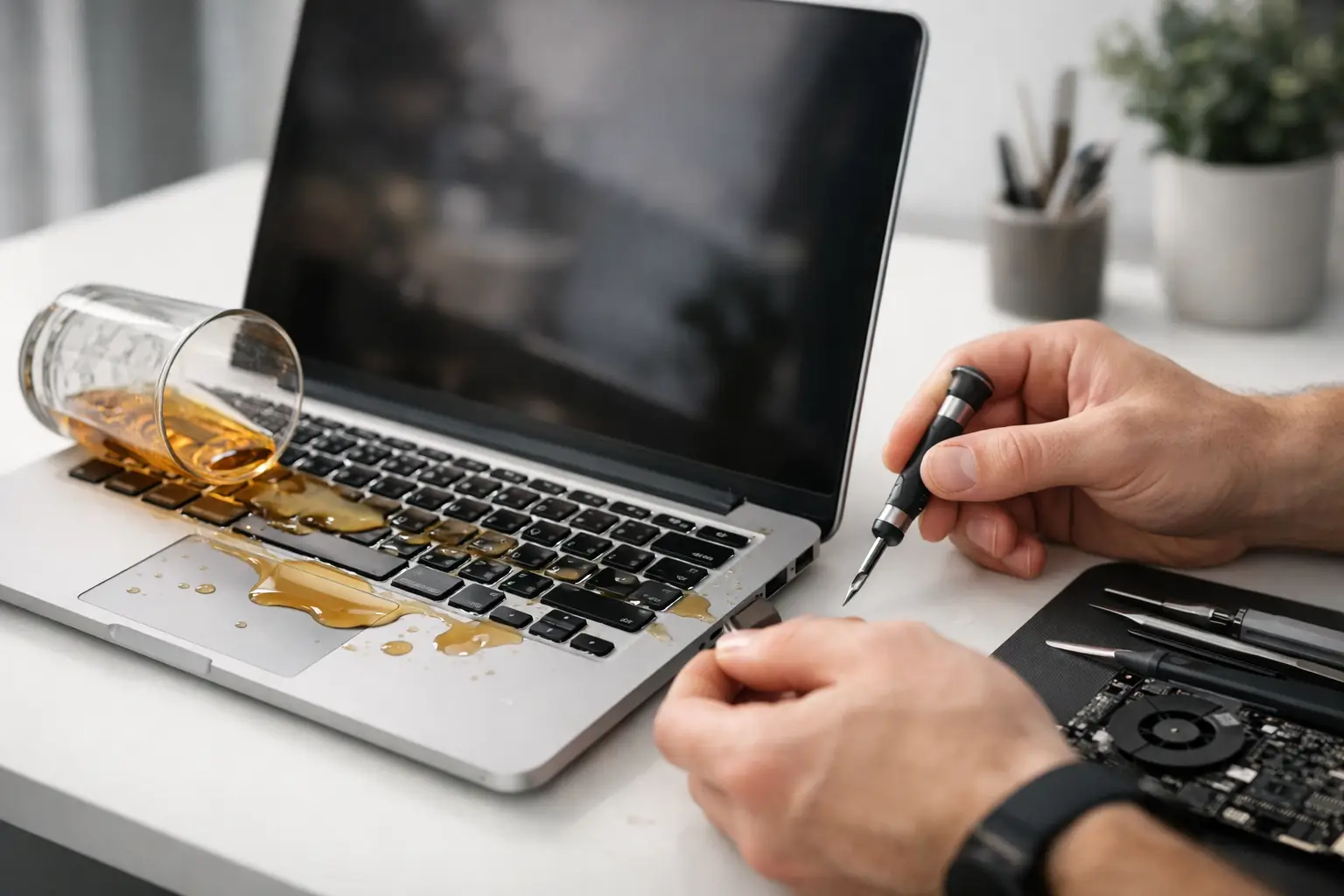
Coffee on the keyboard at 8:42, meeting at 9:00, train in ten minutes - that is usually how a liquid accident happens. When you need macbook liquid damage repair, the first few minutes matter more than most people realise. A quick response can be the difference between a straightforward clean-up and a logic board fault that turns into an expensive job.
Liquid damage is one of the most common laptop emergencies because it rarely stays on the surface. Even a small spill can travel through the keyboard, seep onto internal components, and begin causing corrosion. Sometimes the MacBook shuts down immediately. Sometimes it seems fine for a few hours, then the trackpad stops clicking, the screen flickers, or it refuses to charge.
Why MacBook liquid damage repair is time-sensitive
MacBooks are tightly packed devices. Once liquid gets inside, it can spread quickly across connectors, power lines and chips. Water is bad enough, but tea, coffee, juice and fizzy drinks are often worse because sugar and residue stay behind after the moisture dries. That sticky residue keeps causing trouble long after the visible spill is gone.
This is why waiting to see what happens is risky. A MacBook that still powers on after a spill is not necessarily safe to keep using. In fact, continuing to charge it or run it can increase the chance of shorting damaged areas. What looks like a minor accident in the morning can become a dead board by the afternoon.
What to do straight after a spill
First, switch the MacBook off completely. If it is already off, leave it off. Do not keep testing it. Do not plug the charger in to see if it still works. Power and liquid are a bad combination, and repeated attempts to turn it on can make a repair harder.
Unplug accessories, wipe away visible liquid, and place the device in a position that helps excess fluid drain away from the keyboard and internals. The exact angle depends on the model and where the spill landed, but the goal is simple - stop the liquid from travelling further inside.
If you can remove anything external safely, such as a case or sleeve, do that as well. Then get it assessed properly as soon as possible. Time matters here because corrosion does not wait for a convenient slot in your diary.
What not to do
A lot of damage gets worse because of well-meant but unhelpful advice. Rice is the classic example. It does not clean residue off the board, it does not reverse corrosion, and it can create a false sense of security while the real problem continues underneath.
A hairdryer is another mistake. Heat can push moisture deeper into the device and stress delicate components. Leaving the MacBook on a radiator or in direct sunlight is not much better. Liquid damage repair is not just about drying. It is about inspection, cleaning, testing and checking for failing parts.
It is also worth saying that if your MacBook appears to recover on its own, that does not prove the issue has gone away. Delayed faults are common. Keys may stop responding days later. The battery may begin draining unusually fast. Charging issues often show up after the initial panic has passed.
Common signs of liquid damage
Some MacBooks stop working immediately, but others show more subtle symptoms. You might notice random shutdowns, no backlight, distorted audio, touchpad problems, overheating, or the battery not charging properly. Sometimes only a few keys fail at first. Sometimes the machine works on mains power but not on battery.
There are also cases where the damage is internal and there are no obvious signs until corrosion has had more time to spread. That is one reason professional assessment is worth it even if the device still boots. Catching residue early can prevent a much larger repair later.
The tricky part - damage is not always where the spill landed
People often assume the repair will only involve the keyboard because that is where the liquid went in. In reality, liquid can move across internal layers and settle in places you would not expect. A spill near the top row can end up affecting the trackpad, ports or logic board. That is why proper diagnosis matters more than guesswork.
How professional MacBook liquid damage repair works
A proper repair starts with opening the device and checking the extent of the contamination. The technician looks for signs of moisture, corrosion, residue and burnt components. If liquid has reached the board, ultrasonic or specialist cleaning may be needed to remove conductive deposits and stop further corrosion.
After cleaning, the affected areas are tested. Sometimes the board can be stabilised with no part replacement. In other cases, components such as the keyboard, battery, screen, charging circuit or trackpad may need repair or replacement. It depends on the type of liquid, how long it has been inside, and whether the device was powered during or after the spill.
This is where honest diagnosis matters. Not every liquid-damaged MacBook needs a full rebuild, and not every one can be saved at low cost. A trustworthy repair service should tell you what is repairable, what is not, and whether the repair represents sensible value compared with replacement.
Can a liquid-damaged MacBook always be fixed?
Sometimes yes, sometimes no. If the spill is dealt with quickly and the damage is limited, the chances are much better. If sugary liquid has been left inside for days, or the machine has been repeatedly switched on and charged, the repair can become more complex.
There is also a difference between getting the MacBook to power on and restoring it to reliable daily use. A rushed fix that gets the machine running for now is not the same as a proper repair done right the first time. For people who rely on their laptop for work, uni or travel, reliability matters as much as the initial turnaround.
The question everyone asks - what about the data?
For many customers, the real concern is not the laptop itself. It is the files on it. Photos, coursework, work documents, notes, saved logins - that is usually what creates the panic.
The good news is that liquid damage does not always mean data loss. In many cases, files can still be recovered even if the MacBook itself needs significant repair. The route depends on what part has failed. If the storage is intact, recovery may be straightforward. If the logic board is affected, it can be more involved. Either way, the best thing you can do is stop using the device and have it checked before further electrical damage occurs.
Is same-day repair possible?
Sometimes, yes. If the damage is caught early and the repair mainly involves cleaning and minor restoration, a same-day turnaround may be realistic. If several parts are affected or board-level work is required, it may take longer. It depends on the model, the liquid involved, and how far the damage has spread.
For busy London customers, speed matters, but speed without proper testing is a false economy. A good repair balances urgency with care. You want the MacBook back quickly, but you also want confidence that it has been checked properly and will not fail again the next day.
That is one reason many people prefer a central repair option that fits around work or commuting. If you are in central London and need help fast, having a trusted repair specialist inside Piccadilly Circus Underground Station can make a stressful situation much easier to manage.
Is repair worth it compared with replacement?
This depends on the MacBook's age, specification and the scale of the damage. For a newer model, repair is often well worth considering, especially if the issue is caught early. For an older device with severe board damage, the economics can shift.
What matters is transparency. You should know the likely cost, the parts involved, and whether the repair offers dependable value. Cheap fixes can be tempting when you are in a rush, but with liquid damage, corner-cutting often leads to repeat faults.
Choosing the right repair service
Liquid damage is not a standard battery swap or screen replacement. It needs careful inspection, proper cleaning, and experience with unpredictable faults. Look for a service that explains the process clearly, gives realistic timescales, and does not overpromise.
You also want somewhere that understands urgency. If your MacBook is central to work, study or travel plans, waiting days just for a diagnosis is frustrating. Best Tech Repair is built around fast, dependable service for exactly these situations - when a device failure is not just inconvenient, but disruptive.
If your MacBook has been exposed to liquid, do not leave it to chance. Switch it off, keep it unplugged, and get it looked at quickly. The sooner it is assessed, the better your chances of saving both the device and the data that matters.