
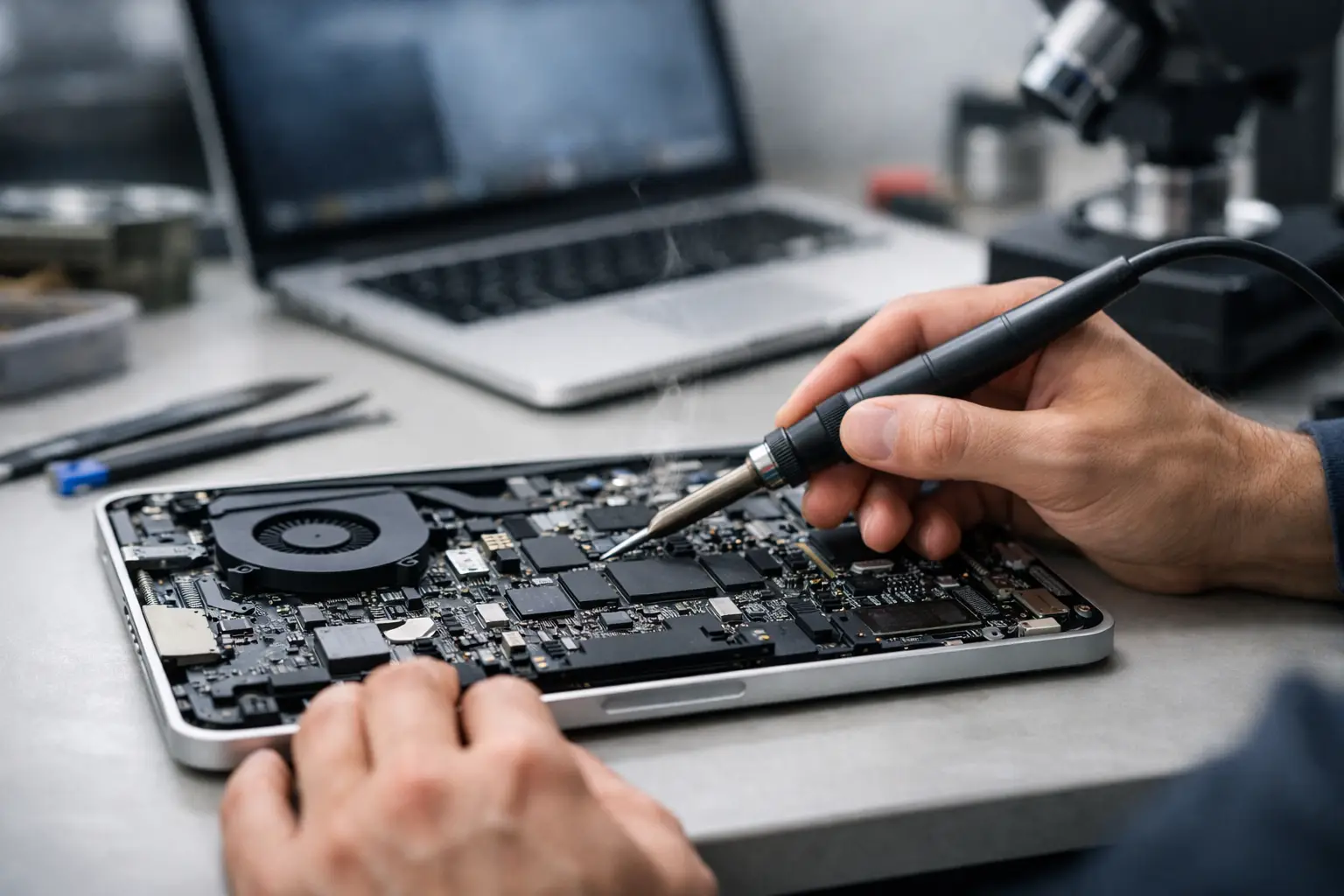
A MacBook that suddenly won’t turn on, keeps restarting, or shows no sign of charging can go from minor annoyance to full panic in minutes. When that happens, macbook logic board repair is often the phrase people hear and immediately dread - usually because it sounds expensive, complicated, and final. The good news is that a logic board fault does not always mean your MacBook is beyond saving.
What a logic board actually does
The logic board is the main circuit board inside your MacBook. It connects and controls the key components that make the laptop work, including power delivery, storage communication, charging, display output, keyboard input, and much more. If the logic board develops a fault, the symptoms can look random because so many functions depend on it.
That is why one MacBook may appear completely dead, while another still powers on but won’t charge properly, overheats, or crashes without warning. Two laptops can show different symptoms and still have a logic board problem underneath.
Common signs you may need MacBook logic board repair
Some faults are obvious. Others are easy to confuse with a battery issue, screen issue, or charger issue. A proper diagnosis matters because replacing the wrong part wastes time and money.
You may be dealing with a logic board fault if your MacBook won’t power on even with a known working charger, powers on but shows no image, shuts down at random, gets unusually hot, or only works when connected in a certain way. Liquid damage is another major warning sign. Even if the MacBook seems fine at first, corrosion can spread over time and affect the board days or weeks later.
Another common sign is inconsistent charging. If the battery health seems acceptable but the machine still refuses to charge, charges intermittently, or only detects power at certain angles, the issue may sit on the board rather than in the battery itself.
Why logic board faults happen
There is no single cause. Liquid spills are one of the most common reasons people end up needing macbook logic board repair, especially with coffee, fizzy drinks, or water damage that reaches internal components. Even a small spill can short a circuit or cause slow corrosion that worsens over time.
Power issues are also common. A poor-quality charger, a sudden surge, or repeated stress on the charging circuit can damage components on the board. Drops and knocks can crack solder joints or damage small surface-mounted parts. Heat can also play a part, particularly in older devices that have been running hard for years.
Then there is simple wear. MacBooks are built well, but no device lasts forever. After years of daily use, some board-level components can fail just like any other electronic part.
Repair or replace - what makes sense?
This is where it depends. Not every logic board issue should automatically be repaired, and not every faulty MacBook should be written off either.
If the fault is isolated to a specific chip, line, or damaged area on the board, repair can be far more cost-effective than replacing the entire logic board or buying a new laptop. It can also preserve your files, settings, and working setup, which matters if you need your device back quickly.
If the board has severe liquid damage across multiple areas, or if the MacBook is already very old and has other failing parts, replacement may make more financial sense. The right choice depends on the model, the age of the device, the extent of the damage, and how urgently you need it working again.
A trustworthy repair service should be honest about that. Sometimes the best advice is to repair. Sometimes it is to avoid spending more than the machine is worth.
Why diagnosis comes first
Logic board problems are often misdiagnosed by people trying to solve the issue themselves. A MacBook that won’t start could be suffering from a dead battery, damaged charging port, failed display, corrupted software, or board-level damage. From the outside, those faults can look surprisingly similar.
That is why diagnosis should come before any quote is taken seriously. A proper assessment checks where power is flowing, whether key circuits are active, and which components are responding as they should. Without that step, anyone offering a guaranteed fix is guessing.
For customers, this matters because accurate diagnosis usually means faster repair and fewer unnecessary costs. It also gives you a clearer answer on whether your data is at risk.
Can your data be saved?
In many cases, yes. One of the biggest reasons people choose MacBook logic board repair is data recovery. If the storage itself is intact, repairing the board may be the most practical way to regain access to important files.
That is especially true for people who rely on their MacBook for work, study, travel plans, or personal documents and photos. A laptop can be replaced. The files on it often cannot.
There are limits, though. If the damage has affected storage components directly, recovery becomes more complicated. That is another reason not to keep trying random chargers, resets, or internet fixes after liquid damage or a sudden power failure. Extra attempts can sometimes make recovery harder.
The risk of delaying repair
People often wait because the MacBook still works some of the time. That can be a mistake.
A board fault that starts as occasional charging trouble or random shutdowns can get worse. Corrosion spreads. Heat stress builds. Components under strain can fail completely. What begins as a repairable issue may turn into a more expensive job if it is left too long.
Liquid damage is the clearest example. A MacBook may power on after a spill and seem normal for a few days, but hidden residue can continue damaging the board. Quick action gives you a better chance of a successful repair.
What to expect from a professional repair service
A good repair service should keep things simple. First comes diagnosis. Then you should get a clear explanation of the fault, the likely repair route, the expected turnaround, and the price before work goes ahead.
For board-level repairs, experience matters. This is not the same as swapping a battery or replacing a screen. It involves identifying failed components, working with delicate circuitry, and testing properly once the repair is complete. A rushed or poorly done repair can create new faults, even if the original one appears fixed at first.
You should also expect honesty about timescales. Some logic board repairs can be completed quickly. Others take longer because the fault is intermittent or the damage is more extensive than it first appeared. Fast service is valuable, but accuracy matters more.
For busy London customers, convenience matters too. If your laptop is essential for work or study, being able to get it assessed and repaired without unnecessary delay makes a real difference. That is one reason local walk-in options such as Best Tech Repair, based inside Piccadilly Circus Underground Station, are useful when time is tight.
Is DIY worth trying?
For logic board faults, usually not.
Basic steps such as checking the charger, trying a different cable, or ruling out a simple software issue are reasonable. Opening the MacBook and attempting board-level work without the right tools and skill is not. These boards are delicate, compact, and expensive to replace if damaged further.
DIY attempts often lead to stripped screws, torn connectors, missing shields, or accidental short circuits. Even when the intention is just to inspect for liquid damage, handling the internals incorrectly can make a clean repair more difficult.
If the MacBook contains important data, the safest move is usually to stop using it and have it checked properly.
How to decide if repair is worth it
Start with three questions. How old is the MacBook, how important is the data, and what would replacement cost you in real terms?
If your laptop is still meeting your needs and the repair restores it for significantly less than buying another good-quality machine, repair is often the sensible option. If your files are critical and not backed up, repair may be worth considering even on an older MacBook.
On the other hand, if the device is already slow, has battery issues, and needs several major parts at once, putting money towards a replacement may be the better long-term decision. A reliable repair shop should help you weigh that up rather than pushing one answer every time.
When your MacBook stops behaving like itself, you do not need jargon or guesswork - you need a straight answer, a fair price, and the best chance of getting back to normal without losing your data. That is really what good repair is about.