
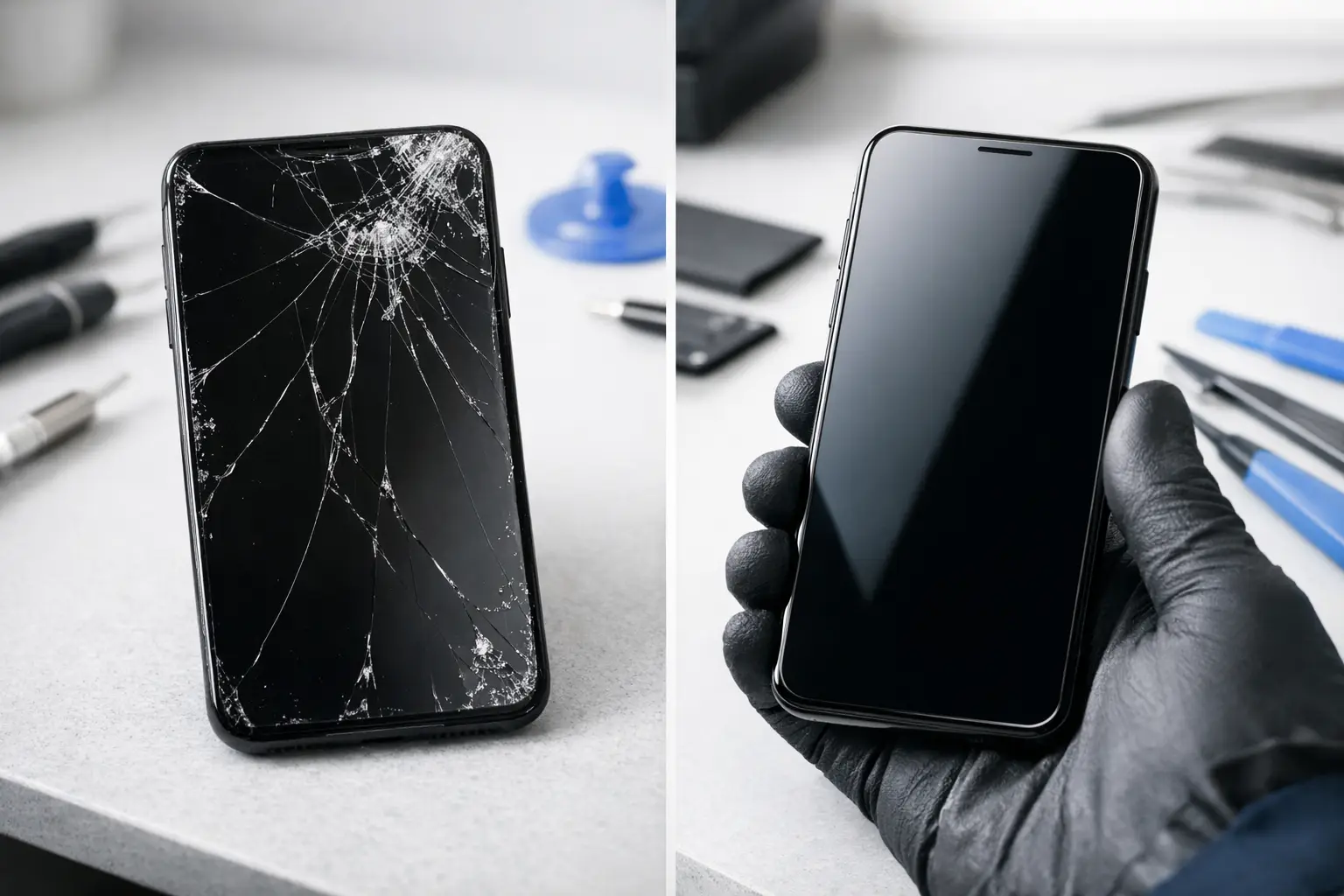
A cracked phone screen at 8am can turn a normal commute into a problem that follows you all day. You cannot read messages properly, tap through your travel app or trust the screen to survive another knock. With screen repair vs replacement, the right answer depends on what is damaged beneath the glass - not just how dramatic the crack looks.
A good diagnosis saves time and money. Some screens remain usable with minor cosmetic damage, while others need prompt replacement to restore safe, reliable use. The aim is not to sell a bigger repair than you need. It is to get your device working properly again, with a repair that lasts.
Screen repair vs replacement: start with the damage
People often use “screen repair” to mean any job involving a damaged display. In practice, it can refer to a few different things. A technician may be able to address surface damage in limited cases, but a full screen replacement is often needed when the display or touch layer has failed.
Modern phones, tablets and smartwatches use tightly bonded screen assemblies. The outer glass, touch sensor and display panel are commonly built together. That design keeps devices slim and responsive, but it means a visible crack can affect more than the top layer.
The first step is checking how the device behaves. If the screen lights up clearly, responds accurately everywhere and has no lifted edges or sharp exposed glass, the damage may be mainly cosmetic. It is still worth having it assessed, especially if cracks are spreading.
If there are black patches, coloured lines, flickering, dead areas, ghost touches or a display that stays dark while the phone still rings, the screen assembly has likely been damaged. In that situation, replacement is normally the dependable fix.
When the outer glass is cracked but everything works
A small crack near the edge can look worse than it is. If the image is clear and touch works as expected, you may be able to continue using the device for a short time. A screen protector can help contain minor splintering, but it will not repair the crack or restore the screen’s original strength.
Be careful with “glass-only” repairs. On some devices they are possible with specialist equipment, but they are not suitable for every model or every type of damage. Separating bonded glass from a working display carries risk, particularly where the panel is already weakened. For many everyday repairs, replacing the complete screen is the more reliable option.
When the display needs replacing
Replace the screen when damage affects visibility, touch response or the physical seal around the device. You should not ignore ink-like black blotches, vertical lines, flashing, a green or white screen, or touch inputs happening without you touching it. These faults can worsen quickly, sometimes after a little heat, pressure or another drop.
A screen that has separated from the frame also deserves attention. It may be the result of impact damage, a bent frame or, in some cases, a swollen battery pushing upwards from inside. Do not press the screen back into place. Have the device checked promptly, particularly if the handset feels unusually warm or the back cover is lifting too.
When repair is the sensible choice
Repair is usually the right move when the device otherwise meets your needs. If the battery is healthy, the cameras work, software is current and the phone has several useful years left, a quality screen replacement can be far better value than buying another handset.
It also avoids the disruption of changing devices. There is no need to move banking apps, transfer photos, reset travel cards or remember every password during a busy week. For a phone you rely on for work, university or getting around London, getting the existing device back in order quickly is often the simplest route.
The same applies to tablets and smartwatches. A damaged tablet screen can make studying, video calls and reading frustrating, while a broken smartwatch display can leave you without notifications or fitness tracking. If the device is otherwise sound, replacing the screen is a practical, lower-waste decision.
For many common models, a professional repair can be completed the same day, subject to the device and parts availability. That matters when your phone is your ticket home, your work tool and your camera all at once.
When replacement of the whole device makes more sense
There are times when replacing the handset is the better long-term decision. If a device has repeated faults, poor battery life, water damage, a badly bent frame and a broken screen, the total cost of several repairs may not be worthwhile. Older devices that no longer receive important software or security updates are also worth reconsidering.
The condition of the frame matters more than many people expect. A new screen fitted to a severely bent housing may not sit correctly or remain protected after everyday use. An honest technician should explain this before beginning work, rather than fitting a part that may not give the result you expect.
Your priorities matter as well. If you need more storage, better camera performance or a model that supports newer work apps, upgrading could be sensible. But do not assume a cracked screen automatically means the phone is finished. Plenty of devices with one major visible fault are otherwise in excellent condition.
Cost is more than the price of the part
The cheapest quote is not always the cheapest outcome. Screen quality, fitting standards and the checks carried out after repair all affect how well the device performs afterwards. A poor-quality panel may have weak brightness, inaccurate colours, reduced touch sensitivity or a poor fit around the frame.
Ask what type of part is being used and whether the repair includes testing. A proper screen repair should check the display, touch response, front camera, earpiece, proximity sensor, charging and basic device functions where relevant. On some models, features such as fingerprint recognition or face-unlock components require particular care during repair.
Transparent pricing should also account for the actual damage. A reputable repair service will tell you if there is a separate issue, such as frame damage or a swollen battery, rather than surprising you after the work has started.
Do not wait if the screen is unsafe
Cracked glass can cut fingers, snag in a pocket and allow more dust or moisture into the device. Even phones with water resistance lose some protection after a hard impact or when the screen has lifted. Avoid using adhesive tape as a long-term fix. It can leave residue, trap moisture and make a later repair more difficult.
Back up your data if the screen still responds. Use cloud backup where possible, or transfer important files before the damage gets worse. If the display is unreadable but the phone is still on, a technician may be able to help assess options without risking your information.
Try not to keep pressing a flickering or partially detached screen. Extra pressure can damage internal cables or the display panel further. Keep the device dry, remove it from a tight case if the screen is lifting, and arrange an inspection.
Choosing screen repair vs replacement without the guesswork
The best choice comes down to three questions: does the screen still work properly, is the rest of the device in good condition, and will the repair give you useful life for the money? A small surface crack may allow you time to decide. Display faults, sharp glass and a lifting screen should be dealt with sooner.
For a clear answer, bring the device in for an assessment. Best Tech Repair at Piccadilly Circus Underground Station can inspect the damage, explain the realistic options and give you a clear price before work begins. Whether the answer is a quality screen replacement or advice to replace the device, you should leave knowing exactly what makes sense for your phone and your budget.
A damaged screen is stressful, but it does not have to derail your day. Get it checked early, protect your data, and choose the fix that gives you confidence every time you pick up your device.