
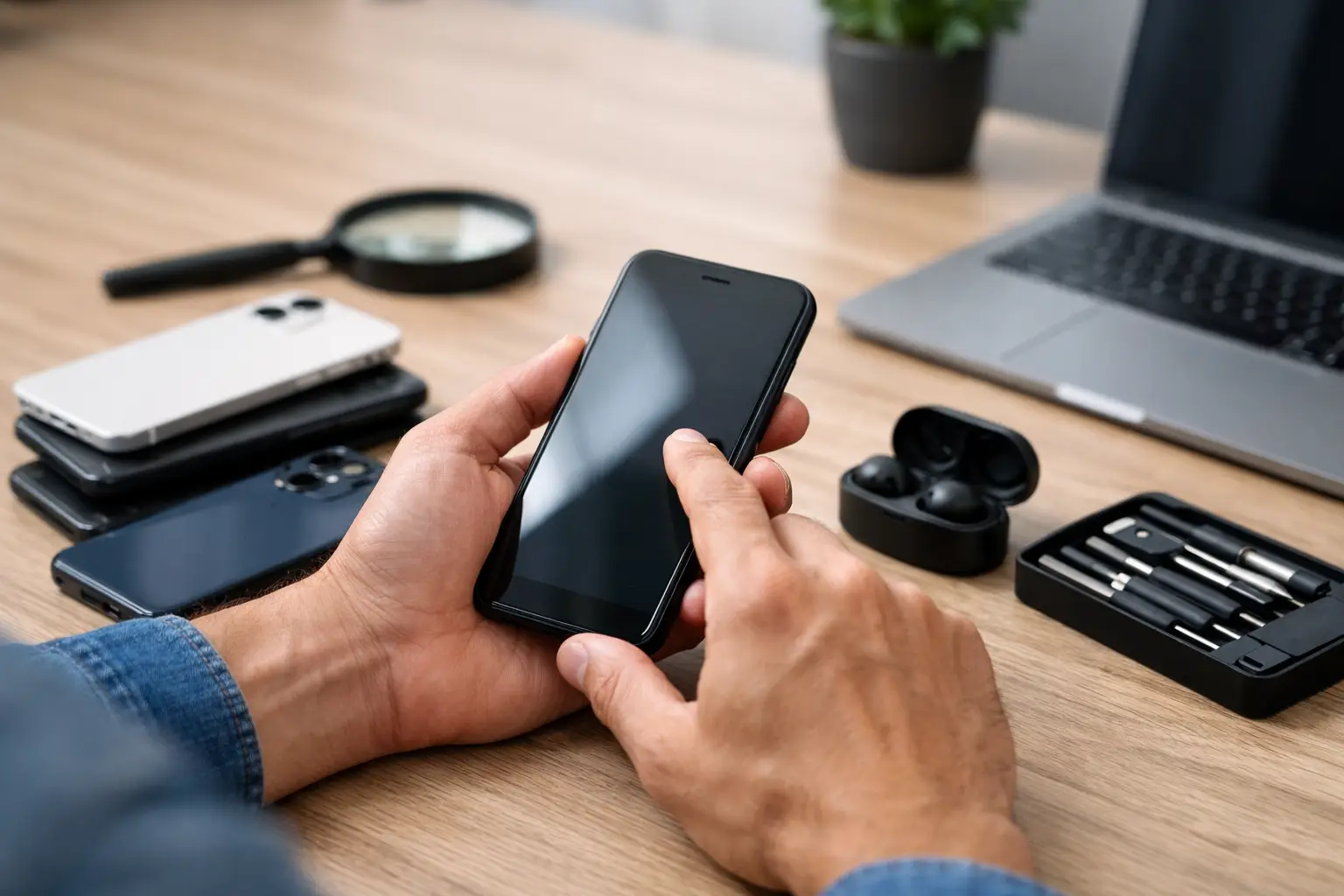
A cheap phone is only a bargain if it works properly on Monday morning. Used phones can save you a serious amount of money, especially when a new handset is not in the budget, but a rushed purchase can leave you with a weak battery, hidden faults or a device that cannot connect to your network.
The safest approach is simple: inspect the phone in person, test the features you use every day and never feel pressured into paying before you are satisfied. A few careful checks can prevent the stress of buying somebody else’s problem.
Why used phones are worth considering
For many Londoners, a used phone is a sensible answer to an unexpected breakage, a lost handset or the rising cost of flagship models. You may be able to buy a higher-specification device for the same price as a basic new one, with a better camera, brighter screen and more storage.
Buying second-hand can also reduce unnecessary electronic waste. A well-looked-after handset may have years of useful life left. The trade-off is that condition varies widely. Two phones of the same model and age can perform very differently depending on battery health, past repairs and how carefully they have been used.
That is why the asking price should never be the only deciding factor. A slightly more expensive phone with a healthy battery, clean screen and clear history is often better value than the cheapest option available.
Check the phone before you pay
Arrange to see the device switched on and unlocked. If a seller says the battery is flat, the screen is damaged or they cannot meet in person, treat that as a warning sign. You need enough time to test the handset properly, not just glance at the casing.
Inspect the screen, frame and cameras
Start with the condition you can see. Look at the screen under good light for cracks, deep scratches, lifting around the edges and areas that appear darker than the rest of the display. Open a plain white image or settings page and look for discolouration, lines, flickering or dead pixels.
Then test the touchscreen across the whole display. Move an app icon around the screen, type on the keyboard and swipe from every edge. A screen can look perfect while having a dead strip that makes typing or using certain apps frustrating.
Check the frame for dents and gaps, particularly around the screen and charging port. Damage does not automatically make a phone a bad buy, but it can indicate a heavy drop or a previous repair. Test both front and rear cameras, taking photos and recording a short video. Look for focus problems, fogging inside the lens, shaking images or a camera app that crashes.
Test the everyday essentials
Make a call if possible, or use a voice recording app to test the microphone and speaker. Play music at a reasonable volume and listen for distortion or crackling. Connect charging cable and confirm that it charges consistently rather than cutting in and out when the connector moves.
Try Wi-Fi, Bluetooth and mobile signal. If you use contactless payments, check that the relevant payment feature is available and working. Test the fingerprint reader or face recognition too. These features are easy to overlook at the point of sale, yet expensive or inconvenient to resolve afterwards.
Pay attention to buttons. The power button, volume controls, silent switch where fitted and any side keys should respond cleanly. A sticky button can be manageable, but it should be reflected in the price and not presented as normal wear.
Ask about the battery, but verify it yourself
Battery condition is one of the biggest differences between a good used phone and one that needs attention straight away. On many iPhones, battery health can be viewed in Settings. On Android devices, the information available differs by manufacturer, but fast battery drain, unexpected shutdowns and overheating are clear signs of wear.
A battery that has lost capacity is not necessarily a reason to walk away. Battery replacement is a common repair and can make an otherwise excellent handset feel reliable again. It does mean you should factor the cost into your decision. If the phone drops several percentage points in a few minutes while you are testing it, or becomes unusually hot, do not assume it only needs a simple fix.
Make sure the phone is not locked or blocked
A working phone can still be unusable if it is tied to the previous owner’s account. This is one of the most costly mistakes people make when buying used phones privately.
For an iPhone, the seller must sign out of their Apple account and remove the device from Find My before you pay. Once erased, it should reach the normal setup screen without asking for another person’s Apple Account details. If Activation Lock appears, do not buy it. Only the account holder can remove it.
For Android phones, check that the seller has removed their Google account before performing a factory reset. After reset, the phone should allow you to complete setup without demanding the previous owner’s sign-in details. A factory reset alone does not always remove Factory Reset Protection.
Also ask for the IMEI number, which identifies the handset. You can normally find it in the device settings or by entering a short code on the dial pad. Ensure it matches any number printed on the box or purchase paperwork, if supplied. A mismatched number, missing details or a seller who refuses to share the IMEI is a reason to leave the deal.
A phone may also be blocked after being reported lost, stolen or subject to an unpaid contract. Insert your own SIM if you can and confirm that calls and mobile data work. Network status can change later if a phone is reported after sale, so buying from a reputable retailer with a clear receipt and warranty offers more protection than an anonymous cash sale.
Check for poor-quality repairs
Many used handsets have had a screen or battery replacement. That is not automatically a problem. A properly repaired phone can be a great purchase, and replacing a damaged part is often far more sensible than replacing the whole device.
The concern is poor workmanship or low-quality parts. Watch for a display that is too dim, touch response that feels delayed, a screen sitting unevenly in the frame, reduced brightness outdoors or warnings in settings about an unrecognised component. Check that the phone is properly sealed around the screen and that cameras, sensors and face or fingerprint recognition still work.
Water resistance also deserves caution. Even when a phone was water-resistant when new, age, drops and previous opening can affect its seals. Never pay extra for a used handset on the assumption that it can safely survive water exposure. Treat it carefully, especially if its repair history is unclear.
Buy from a source that gives you time to decide
Private sellers can offer lower prices, but they usually provide less protection if a fault appears later. Meet somewhere safe, avoid bank transfers to strangers before seeing the device and keep a written record of the sale, including the model, IMEI, price, date and seller details.
A refurbished phone from a trusted retailer may cost more, yet that higher price can include testing, a return period and a warranty. It depends on your budget and how much risk you are prepared to accept. For a main work or travel phone, peace of mind is often worth more than the smallest possible saving.
Do not be distracted by extras such as a case, charger or box. They are useful, but they do not prove the handset is genuine, healthy or unlocked. Prioritise the device itself.
When a used phone needs a quick repair
Sometimes you have already bought a phone and then notice a tired battery, cracked screen, unreliable charging port or poor speaker. These faults do not always mean the purchase was a mistake. If the handset is genuine, unlocked and otherwise in good condition, a targeted repair can be more cost-effective than starting the search again.
Best Tech Repair can assess common phone faults and explain what needs fixing before work begins. For commuters and anyone short on time, the Piccadilly Circus Underground Station location can make it easier to get a clear answer and arrange a repair around the day.
A used phone should make life easier, not create another job for your to-do list. Take your time at the point of purchase, test what matters and walk away from anything that does not feel right. There will always be another handset, but your money and data are worth protecting.