
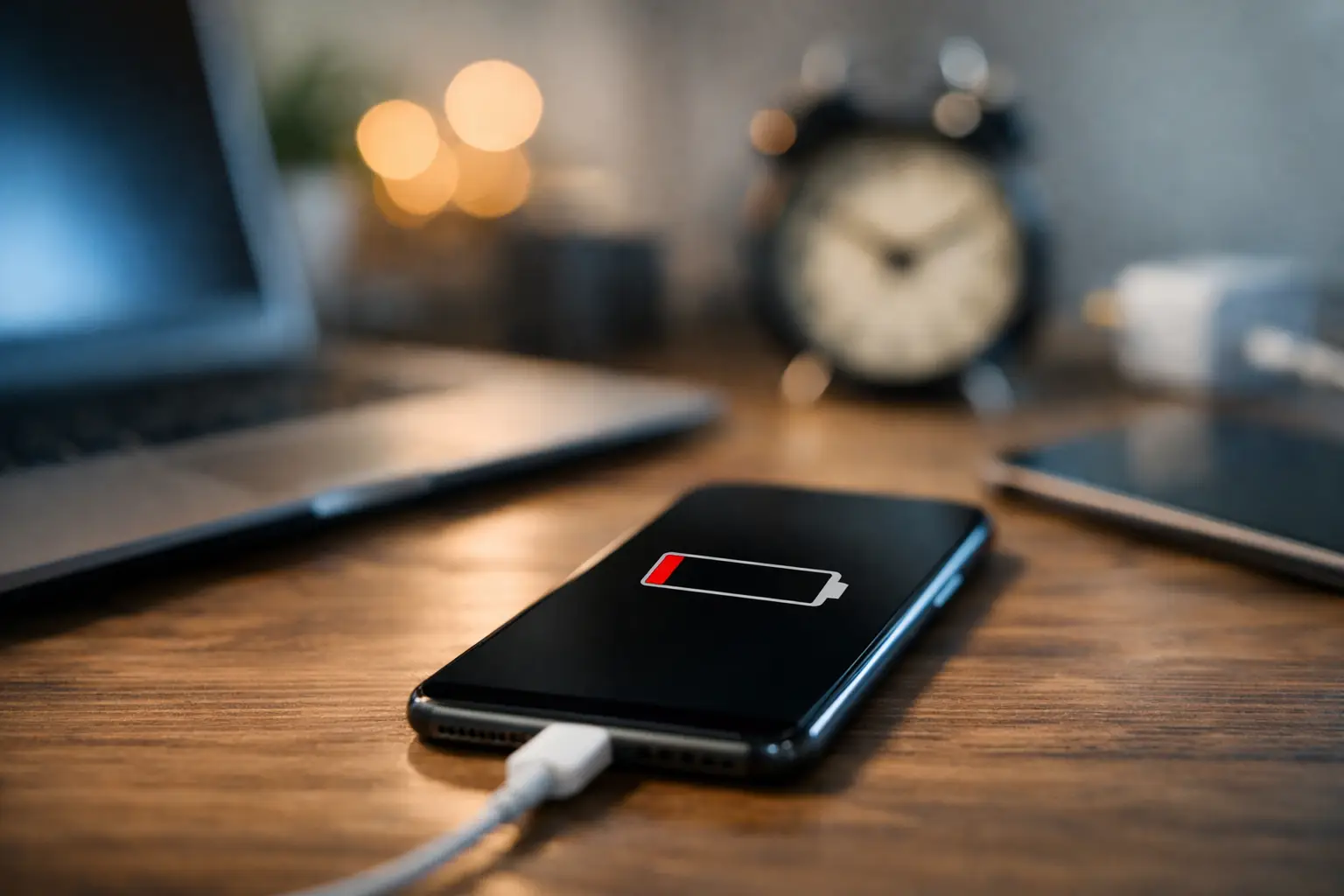
Your phone starts the morning at 100%, yet by the time you reach the office, it is already looking for a charger. That is more than inconvenient when you rely on your device for tickets, banking, work messages and finding your way across London. If you are asking what causes phone battery drain, the answer is not always simply that you use your phone too much. A setting, an app, poor signal, a software fault or an ageing battery can all be responsible.
The good news is that many causes are easy to identify. Others need a proper diagnosis, particularly when the battery health has fallen or the phone is becoming hot, slow or unreliable.
What causes phone battery drain?
A phone battery drains whenever the device is working, but unusually fast drain happens when something is making it work harder than it should. The most common reasons are screen use, background activity, weak mobile signal, location services, software issues and battery ageing.
The pattern matters. If your battery drops quickly only while streaming videos, using navigation or making video calls, heavy use is probably the main explanation. If it loses a large percentage while sitting unused in your pocket, there may be an app, network setting or hardware issue in the background.
Bright screens and high-refresh settings
The display is one of the biggest users of battery power. A bright screen outdoors, a long screen timeout and an always-on display can make a noticeable difference over a day. Phones with smooth 90Hz or 120Hz refresh rates can also use more power than standard settings, especially when gaming or scrolling through social media.
You do not need to make your screen unpleasant to use. Try automatic brightness, shorten the screen timeout and use a lower refresh rate when battery life matters more than the smoothest display. Dark mode may help on many modern OLED screens, although the improvement varies by phone and by how you use it.
Apps running in the background
A social media app, fitness tracker, navigation app or game may continue refreshing, checking your location or sending notifications after you stop using it. One poorly behaved app can drain a battery surprisingly quickly, particularly after an update.
Check your phone's battery usage page to see which apps have used the most power over the past 24 hours or several days. An app at the top of the list is not automatically a problem - you may simply use it most. Look instead for an app using a high amount of power despite very little screen time.
Closing and reopening the app, updating it or limiting its background permissions can solve the problem. If the drain began immediately after installing an app, remove it for a day and see whether battery life returns to normal.
Weak signal and constant network searching
Poor reception is a common cause that people often miss. In an Underground station, a basement office, on a train or in a building with thick walls, your phone may repeatedly search for a stronger signal. That process takes power, even when you are not actively using the device.
If battery drain is worst in one location or during your commute, signal strength may be the reason. Wi-Fi calling, where available, can reduce the pressure on the mobile connection indoors. If you do not need to be connected for a period, aeroplane mode is the most effective option. Turning off mobile data may help too, but your phone can still use energy looking for a signal unless aeroplane mode is on.
Location, Bluetooth and background connections
Location services are useful for maps, delivery updates, transport apps and finding a lost phone. They can also use extra power when several apps request your position throughout the day. Bluetooth accessories, smartwatches, wireless earbuds and connected car systems add a smaller but steady demand.
Review which apps are allowed to access your location. For many, allowing location access only while the app is in use is the sensible balance between convenience and battery life. You can also switch off Bluetooth when you are not using an accessory, but there is little benefit in constantly toggling settings if your drain is actually caused by an old battery.
Software updates and glitches
Battery life can dip for a short time after a major operating system update. Your phone may be indexing files, updating apps and reorganising data in the background. Give it a day or two, keep your apps updated and restart the device before assuming the battery has failed.
However, a persistent drain after an update can point to a software bug or a corrupted setting. Check for another update, review battery use by app and reset network settings if the problem seems linked to Wi-Fi, mobile data or Bluetooth. Back up your phone before any wider reset. A factory reset is a last step, not the first one, because it takes time and can be disruptive if your data is not properly backed up.
When an ageing battery is the real problem
Every rechargeable phone battery wears down. It has a limited number of charge cycles, and its ability to hold power gradually reduces with age. Heat, frequent fast charging and regularly allowing the battery to run completely flat can speed up that wear, but even careful users will eventually notice a change.
An ageing battery does not always look obviously damaged. Common signs include needing to charge twice a day, the percentage falling in large jumps, unexpected shutdowns at 20% or 30%, slower performance and a phone that gets unusually warm during ordinary tasks. Some devices show battery health in their settings, which can offer a useful indication, though it is not the only diagnostic tool.
If the battery health is low and your phone otherwise works well, replacement is usually a more sensible and affordable choice than replacing the whole device. A quality battery fitted correctly can restore dependable day-to-day use.
Watch out for heat and swelling
Heat is both a symptom and a cause of battery problems. It is normal for a phone to warm up during gaming, charging, video calls or navigation. It is not normal for it to become hot while idle, too hot to hold comfortably, or hot every time it charges.
A swollen battery needs urgent attention. Signs include a lifting screen, a raised back cover, gaps around the phone's frame or the device rocking on a flat surface. Stop charging it, do not press the screen back into place and avoid using it. A damaged lithium-ion battery can be unsafe and should be assessed by a technician rather than left in a drawer or thrown into household rubbish.
Quick checks before booking a repair
Start with the simple checks that can rule out a temporary issue. Restart your phone, install pending system and app updates, and inspect the battery usage screen. Reduce brightness for a day, limit background activity for the most power-hungry app and see whether your battery behaves differently in areas with strong signal.
It is also worth checking your charging setup. A worn cable, damaged plug or unreliable charging port may make it seem as though your battery drains fast because the phone is not reaching a full charge in the first place. Use a suitable, good-quality charger and check whether the cable needs to be held at a particular angle. If it does, the issue may be the cable or charging port, not the battery.
Avoid relying on so-called battery saver apps that promise dramatic results. Modern Android phones and iPhones already manage battery use effectively. Third-party apps can add background activity of their own, which defeats the point.
When to get your phone checked
A professional check is worthwhile if the phone loses charge rapidly while idle, switches off unexpectedly, gets hot without a clear reason, will not hold a charge, or has any sign of swelling. It is also sensible if you have tried the basic checks and the problem is still affecting your work, travel or daily routine.
At Best Tech Repair, technicians can assess whether the fault is the battery, charging port, software or another component, so you are not paying for the wrong repair. For a quick, convenient assessment in central London, visit Unit 4 inside Piccadilly Circus Underground Station.
A phone that cannot last through a normal day should not become something you plan your life around. Get the cause checked early, especially if heat, swelling or sudden shutdowns are involved, and you can get back to using your device with confidence.