
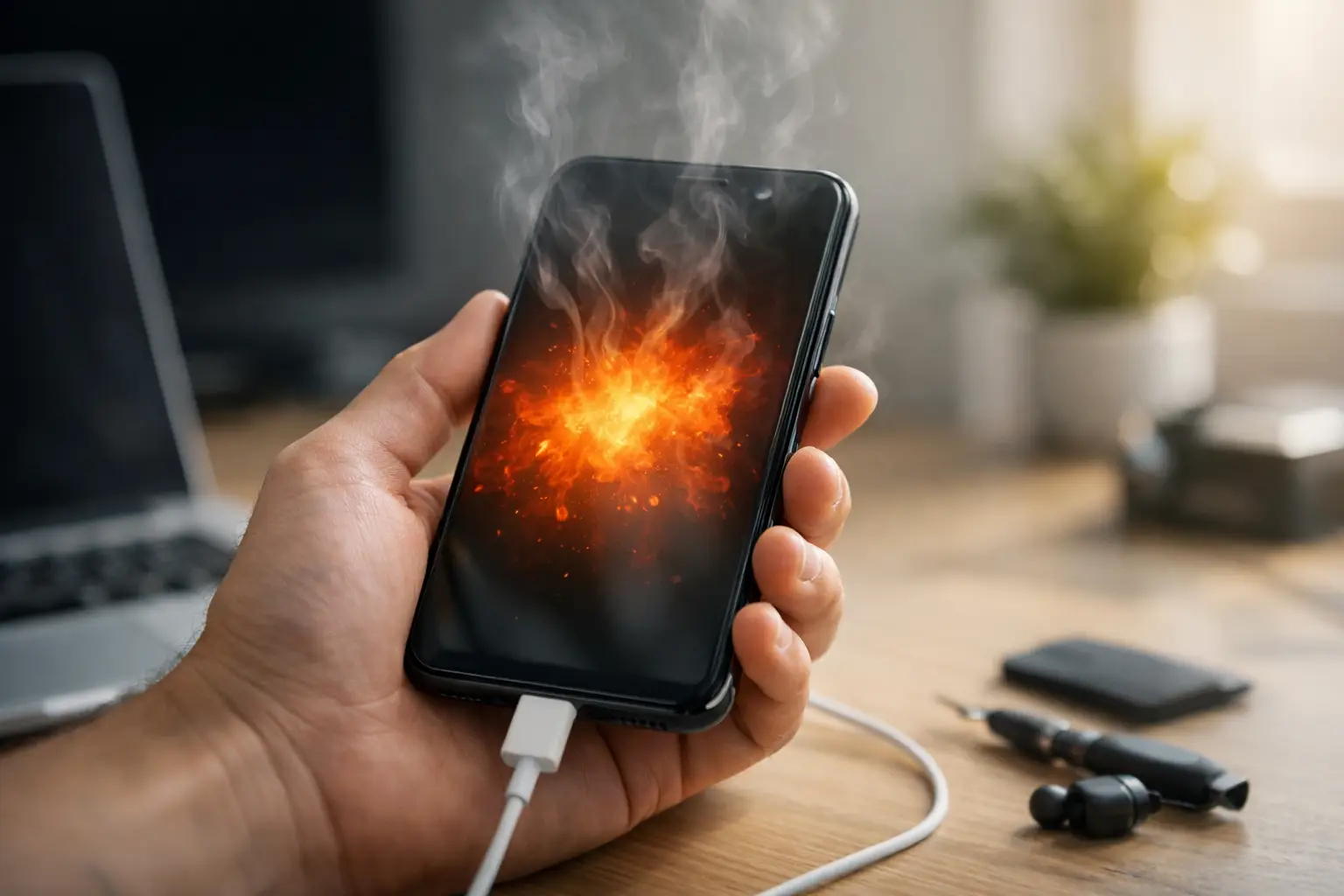
A phone that becomes hot while you are replying to messages, using maps or charging can be worrying, especially when you rely on it for work, travel and everyday life. So, why is my phone overheating? Sometimes the answer is simple, such as a demanding app or a warm bag on a crowded commute. Other times, it can point to a failing battery, charging fault or internal damage that needs attention.
Your phone is designed to produce some heat. The processor works harder when you stream video, play games, make video calls or use navigation, and charging also creates warmth. The concern starts when it feels uncomfortably hot, repeatedly displays a temperature warning, drains its battery unusually fast or shuts down without warning.
Why is my phone overheating all of a sudden?
An overheating phone is usually trying to protect itself. Modern devices reduce performance, dim the screen or switch off when internal temperatures rise too far. That can be inconvenient, but it helps prevent more serious damage.
Too much work at once
Gaming, filming in high resolution, video calls, hotspot use and navigation can all push the processor hard. Running several apps in the background at the same time adds to the load, particularly on an older phone. If the heat settles once you close those apps and give the device a few minutes' rest, the issue may simply be heavy use.
A software update can also temporarily make a phone warmer. After an update, the device may spend time organising photos, indexing files or refreshing apps. This should normally improve within a day or two. If it does not, check for another update or look for an app that has begun using excessive battery power.
Charging problems
It is normal for a phone to feel slightly warm while charging. It should not become too hot to hold. A poor-quality cable, damaged plug, incompatible charging accessory or faulty charging port can all create excess heat.
Fast charging produces more warmth than standard charging, so take the case off if it traps heat and avoid using the phone heavily while it is plugged in. If the cable is frayed, loose or only charges at a certain angle, stop using it. Forcing a damaged connection can worsen the problem.
Heat from the environment
Phones struggle to cool themselves in direct sun, a hot car, near a radiator or inside a tightly packed pocket or bag. London may not be known for extreme heat, but a phone left on a sunny café table, on a car dashboard or inside a coat pocket while using maps can still overheat quickly.
Remove it from the heat, take off the case and place it somewhere cool and shaded. Do not put it in a fridge, freezer or directly under cold water. Sudden temperature changes can cause condensation inside the phone, creating a much bigger repair issue.
A worn or damaged battery
Lithium-ion batteries degrade over time. As a battery wears out, it can lose capacity, run down quickly and generate more heat during normal use or charging. This is common on phones that are a few years old, but age is not the only factor. Repeated exposure to heat, physical damage and unsuitable chargers can shorten battery life.
Watch for warning signs such as a swollen screen, a phone back that is lifting, sudden drops in battery percentage or overheating during light tasks. A swollen battery should be treated seriously. Stop charging the device, avoid pressing the screen or back cover down, and arrange a professional inspection as soon as possible.
Water or impact damage
A phone can keep working after a drop or splash while still having an internal fault. A damaged battery connector, charging component or circuit can cause heat even if the screen looks fine. The same applies to older liquid damage, where corrosion may develop gradually.
If overheating began after a fall, rain exposure, a spill or a screen repair, do not assume it will settle on its own. Continuing to charge or use a damaged device can turn a repairable fault into a more expensive one.
What to do when your phone gets too hot
Start by unplugging the charger if the phone is connected. Move it out of direct sunlight, remove any heavy case and stop using demanding apps. Turning on aeroplane mode can reduce background activity, while switching the phone off completely gives it the best chance to cool down.
Let it return to room temperature naturally before charging it again. If it only overheats while charging, try a known good, compatible cable and plug. If it overheats during one particular app, update or reinstall that app and check whether the problem returns.
Avoid these tempting quick fixes: do not put the phone in a freezer, do not cover it with anything, and do not keep charging it because you need the battery percentage to rise. Heat and charging are a poor combination when a device may already have a battery or port fault.
Quick checks that can solve a minor issue
If your phone has cooled down and there are no signs of physical damage, a few simple checks can help narrow down the cause. Restart the device first. A restart closes stuck background processes and can resolve a one-off software problem.
Then check battery usage in your settings. An app using an unusually high amount of power may be running constantly in the background. Update your operating system and apps, reduce screen brightness, and turn off features you do not need for the moment, such as hotspot, Bluetooth or location services.
Storage can matter too. A phone that is almost full has less room to manage updates, temporary files and everyday tasks efficiently. Deleting unwanted downloads, duplicate photos and unused apps may improve performance, although it will not fix a faulty battery or charging component.
When overheating needs a repair
Repeated overheating is not something to ignore. Book a diagnosis if your phone becomes hot while idle, overheats every time it charges, shuts down regularly, has a battery warning, smells unusual, or shows signs of swelling. You should also seek help if the issue appeared after a drop or liquid exposure.
A proper inspection can identify whether the problem comes from the battery, charging port, charging circuit, software or another internal component. Guessing and replacing accessories at random can cost more in the long run, particularly if the real fault is inside the device.
At Best Tech Repair, technicians can assess common overheating causes and explain the practical options before work begins. For commuters and central London workers, the Piccadilly Circus Underground Station location can make it easier to get a phone checked without losing a whole day to the problem.
How to reduce the chance of it happening again
No phone stays cool under every condition, but a few habits make a real difference. Use reliable charging accessories, avoid charging under pillows or blankets, and keep the device out of direct sun. If you use navigation in the car, position the phone away from heat vents and remove the case on particularly warm days.
Try not to run graphics-heavy apps while charging, and give an older device short breaks if it starts warming up. Most importantly, act early when battery performance changes. A battery replacement is usually far simpler than dealing with a swollen battery or damage caused by prolonged overheating.
Your phone should work hard without becoming a source of stress. If cooling it down and checking the basics does not solve the issue, a prompt professional diagnosis is the safest way to protect your device and the data you depend on.
Need it fixed today?
Best Tech Repair is inside Piccadilly Circus Underground Station (Unit 4, London W1J 9HS), open 10am–10pm every day. Walk in, or book a repair online. See our battery replacement and mobile phone repair pages for what we fix. Free diagnostic, and no fix, no fee.