
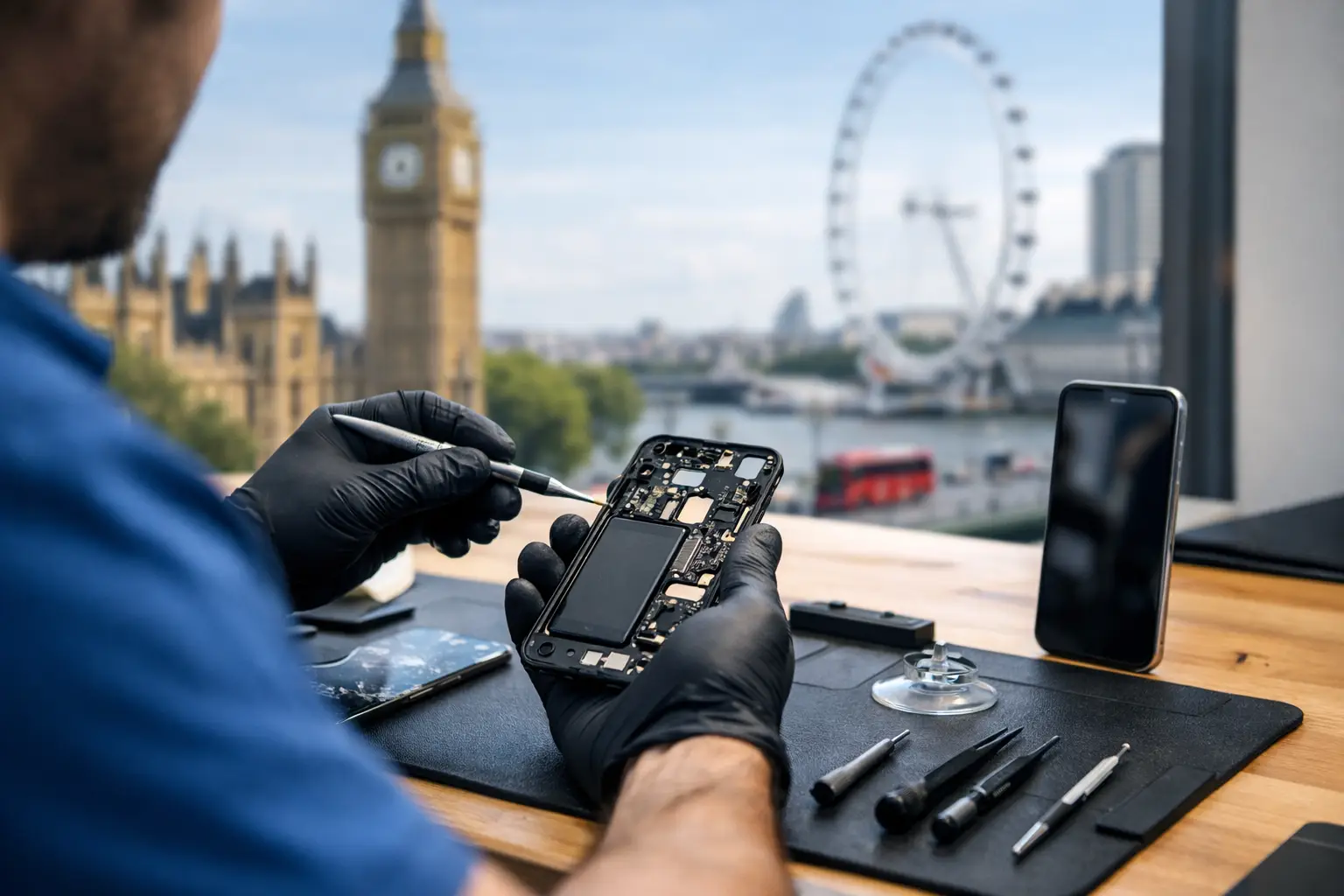
If your phone breaks while you are visiting London, you can usually get it repaired the same day: Best Tech Repair, inside Piccadilly Circus Underground Station, fixes most screens in about 45 minutes and is open until 10pm every day. If your phone is lost or stolen, act in this order: lock it remotely, call your network to block it, then report it to the police for a crime reference number. This guide walks you through both situations step by step.
If your phone is broken
1. Protect your data first
If the screen still works, back up now to iCloud, Google or your phone maker's cloud. A cracked screen that still responds can fail completely, and a backup is what keeps your holiday photos safe.
2. Do not make it worse
- Stop swiping across broken glass and cover sharp edges with tape.
- If the phone got wet, do not dry it with a heat source or put it in rice. Apple warns that small particles of rice can damage an iPhone, and recommends tapping it gently with the connector facing down, then leaving it somewhere dry with airflow [1].
- Do not charge a wet phone.
3. Get it repaired while you are still in London
A same-day repair means you do not travel home without maps, tickets and photos. Best Tech Repair is at Unit 4, Piccadilly Circus Underground Station, London W1J 9HS. The shop is in the station concourse, so you do not need a ticket to reach it. We are open 10:00 to 22:00, seven days a week, and you can walk in without an appointment.
We repair iPhone, Samsung Galaxy, Google Pixel and other phones, plus tablets, laptops and smartwatches. Before any work starts, we run a free diagnostic and confirm a fixed price, and there is no fee if we cannot fix it.
4. Keep your receipt
If you have travel insurance, keep the receipt for any repair or replacement. Citizens Advice recommends keeping receipts for essential items you replace, and checking your policy's time limits and excess before you claim [2].
If your phone is lost or stolen
1. Lock it remotely, straight away
Use another device, or a friend's, to sign in to your phone's finding service.
- iPhone: in Find My, select the device and turn on Lost Mode. This locks it with your passcode, suspends Apple Pay cards and passes, and lets you show a contact message on the screen [3].
- Android: Google's Find Hub (previously Find My Device), in the app or at android.com/find, lets you play a sound or mark the device as lost, which locks it and shows your message. You can also erase it remotely [4].
- Samsung: Find My Mobile lets you locate, lock or erase a Galaxy phone, provided it is switched on, connected, and signed in to a Samsung account. If you cannot erase it, Samsung advises changing the passwords for your Samsung, Google and other accounts [5].
2. Call your network to block the phone and SIM
Citizens Advice says to tell your network provider straight away so they can block the phone, and notes that you are usually responsible for calls made on it until you report it missing [6]. If your phone is on a network from outside the UK, use your provider's international support number.
3. Report it and get a crime reference number
If the phone was stolen, report it to the police. For a crime that is not an emergency, you can report online or call 101 [7]. Ask your provider for the phone's IMEI number to give the police, and keep the crime reference number for your insurer [6]. Citizens Advice also recommends reporting lost belongings to the police within 24 hours for a travel insurance claim [2].
If you think you left it on a bus or the Tube, check TfL Lost Property.
4. Emergencies
If a crime is in progress or someone is in immediate danger, call 999. The European emergency number 112 also works in the UK [8]. If you need medical help and are not sure it is an emergency, NHS 111 can advise [9].
Staying safe with your phone in central London
- Set a screen lock and turn on your phone's finding service before you travel.
- Back up automatically, so a lost phone does not mean lost photos.
- Keep your phone in a front pocket or zipped bag in crowded places.
- Write down your network's support number and your phone's IMEI somewhere other than the phone.
Where to find us
Piccadilly Circus station is on the Piccadilly and Bakerloo lines, about two minutes' walk from Leicester Square and Regent Street. If you are staying or sightseeing nearby, see our guide to phone repair near Leicester Square, Soho and Covent Garden. Discovered the damage in the evening? Read about late-night phone repair. And if you are deciding between us and the Apple Store on Regent Street, read our honest comparison.
What you get at Best Tech
- A free diagnostic, with a fixed price confirmed before any work begins.
- No fix, no fee.
- Premium OEM-quality parts.
- Most screens done in about 45 minutes.
Best Tech Repair, Unit 4, Piccadilly Circus Underground Station, London W1J 9HS. Open 10:00 to 22:00, seven days a week. Call our landline on 020 3417 7090, or message our mobile on WhatsApp at 07423 230703 (+44 7423 230703 from a non-UK phone).
Sources
- If you see a liquid-detection alert on your iPhone – Apple Support (UK) — support.apple.com
- Making a claim on your travel insurance – Citizens Advice — www.citizensadvice.org.uk
- Use Find My to locate your lost Apple device or AirTag – Apple Support (UK) — support.apple.com
- Find, secure or erase a lost Android device – Android Help — support.google.com
- What to do if you have lost your Samsung phone – Samsung UK — www.samsung.com
- What to do if your mobile phone is lost or stolen – Citizens Advice — www.citizensadvice.org.uk
- Contact the police – GOV.UK — www.gov.uk
- 999 and 112: the UK's national emergency numbers – GOV.UK — www.gov.uk
- When to call 999 – NHS — www.nhs.uk