
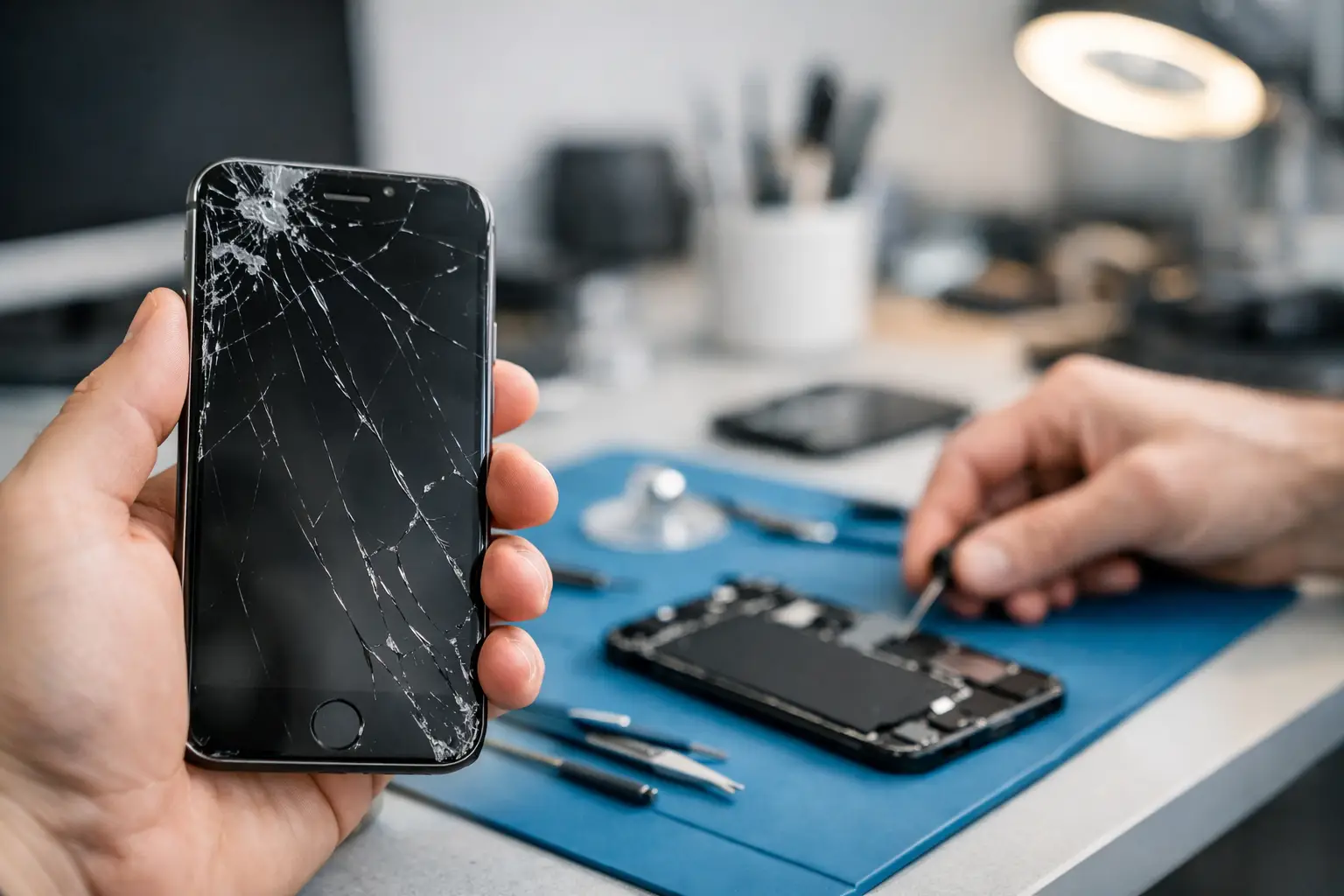
If your iPhone is under warranty or covered by AppleCare+, go to Apple. If it is out of warranty, you need it back today, and you are comfortable with a high-quality non-Apple part, an independent repair shop is usually the faster route. That is the short answer. The rest of this guide explains the trade-offs, so you can choose on facts rather than guesswork.
We are an independent repair shop inside Piccadilly Circus Underground Station, a short walk from the Apple Store on Regent Street. Here is an honest comparison, with Apple's own guidance linked throughout.
The quick comparison
- Where. Apple Store: 235 Regent Street, London W1B 2EL [1]. Best Tech: Unit 4, Piccadilly Circus Underground Station, London W1J 9HS.
- Getting seen. Apple Store: Apple recommends booking a Genius Bar reservation; drop-ins are helped if a technician is available [2]. Best Tech: Walk in, no appointment needed for most repairs.
- Diagnosis. Apple Store: Free diagnostics, then an estimated turnaround and cost [2]. Best Tech: Free diagnostic, fixed price confirmed before any work begins.
- Parts. Apple Store: Genuine Apple parts. Best Tech: Premium OEM-quality parts.
- Turnaround. Apple Store: Estimated at your appointment [2]. Best Tech: Same day; most screens done in about 45 minutes.
- Repair warranty. Apple Store: 90 days, or the rest of your Apple warranty if longer [3]. Best Tech: 90 days on parts and labour.
- Opening hours. Apple Store: See the store page; Genius Bar may not run during special hours [1]. Best Tech: 10:00 to 22:00, seven days a week.
When Apple is the right choice
Your iPhone is under warranty or AppleCare+
Go to Apple first. AppleCare+ covers repairs for accidental damage such as drops and spills [3], and with AppleCare cover Apple replaces a battery that has dropped below 80% of its original capacity at no extra charge [4]. If you are covered, paying anyone else for the same job rarely makes sense.
You want genuine Apple parts, specifically
Apple uses genuine Apple parts, and iOS can confirm it. On iOS 15.2 and later, Settings > General > About shows a Parts and Service History section that checks whether the battery, display, cameras and other parts are genuine [5]. If a spotless parts history matters to you, for example because you plan to trade the phone in, Apple is the straightforward route.
When an independent shop is the better choice
You need the phone back today
Apple gives you an estimated turnaround once a technician has looked at the phone [2], and you may need a reservation to be seen promptly. If you are working, travelling or only in central London for the day, a walk-in shop that fixes most screens in under an hour removes the waiting.
Your phone is out of warranty
Once warranty and AppleCare+ no longer apply, Apple charges out-of-warranty fees that vary by model and include VAT. Apple publishes estimates for screen replacement [6] and battery replacement [4]. Look up your model, then ask us for a fixed quote for the same job. Comparing the two numbers takes two minutes and tells you exactly what you would save.
You want to walk in late
We are open until 22:00 every day, so you can come after work or after dinner. See our guide to late-night phone repair in central London.
What changes when a non-Apple part is fitted
This part often gets glossed over, so here it is plainly.
- Your iPhone will show the part as "Unknown". A part that is not genuine, not working as expected or not verified is labelled Unknown in Parts and Service History [5].
- It does not stop you using the phone. Apple says these messages do not affect your ability to use your iPhone, but an Unknown part might affect trade-in value [7].
- Some display features can be affected. With a non-genuine display, Apple says True Tone may not work correctly, and brightness, colour calibration or touch response may not behave as expected [7]. This is why we test touch sensitivity, brightness and colour accuracy before handing a phone back.
- Battery health readings may be less accurate. If iOS cannot verify a genuine Apple battery, battery health information may not be accurate. Apple says this does not affect your ability to use the iPhone or the battery [8].
For a phone you plan to keep, most people find a same-day repair with a quality part the better deal. If you plan to trade the phone in soon, weigh the resale point carefully. Our guide to OEM screen replacement explains the different part types in more detail.
Your rights, wherever you go
Every repair is a service, and under section 49 of the Consumer Rights Act 2015 the trader must perform it with reasonable care and skill [9]. Which? explains that if a service falls short, the trader should put it right at no extra cost, and if that is not possible you can claim a price reduction of up to 100% [10]. That applies to Apple and to independent shops alike.
Prepare your iPhone before any repair
Do this whichever route you choose. Apple's own checklist is a good one [11]:
- Back up to iCloud or a computer, and let iCloud finish syncing.
- Turn off Find My in Settings > your name > Find My. Apple requires this before service.
- Remove cards and passes from Wallet if you are handing the phone over.
- Never share your Apple Account password with anyone repairing the phone.
If you are worried about privacy during a repair, read do phone repair shops go through your phone?
What you get at Best Tech
- A free diagnostic, with a fixed price confirmed before any work begins.
- No fix, no fee.
- Premium OEM-quality parts.
- Same-day turnaround, with most screen replacements done in about 45 minutes.
- Touch, brightness, colour and surrounding functions tested before handover.
- A 90-day warranty on parts and labour.
Walk in today
Best Tech Repair is at Unit 4, Piccadilly Circus Underground Station, London W1J 9HS, in the station concourse, so you do not need to go through the ticket barriers. We are open 10:00 to 22:00, seven days a week. Call our landline on 020 3417 7090, or message our mobile on WhatsApp at 07423 230703, to check a part is in stock before you travel.
Sources
- Regent Street - Apple Store - Apple (UK) — www.apple.com
- Genius Bar Reservation and Apple Support Options - Apple (UK) — www.apple.com
- Apple Service and Repair for iPhone – Apple Support (UK) — support.apple.com
- Apple Service and Repair for iPhone Battery – Apple Support (UK) — support.apple.com
- iPhone Parts and Service History – Apple Support (UK) — support.apple.com
- Apple Service and Repair for iPhone Screens – Apple Support (UK) — support.apple.com
- About genuine iPhone displays – Apple Support (UK) — support.apple.com
- About genuine iPhone batteries – Apple Support (UK) — support.apple.com
- Consumer Rights Act 2015, section 49 — www.legislation.gov.uk
- Consumer Rights Act 2015 - Which? — www.which.co.uk
- Prepare your iPhone or iPad for a service appointment – Apple Support (UK) — support.apple.com