
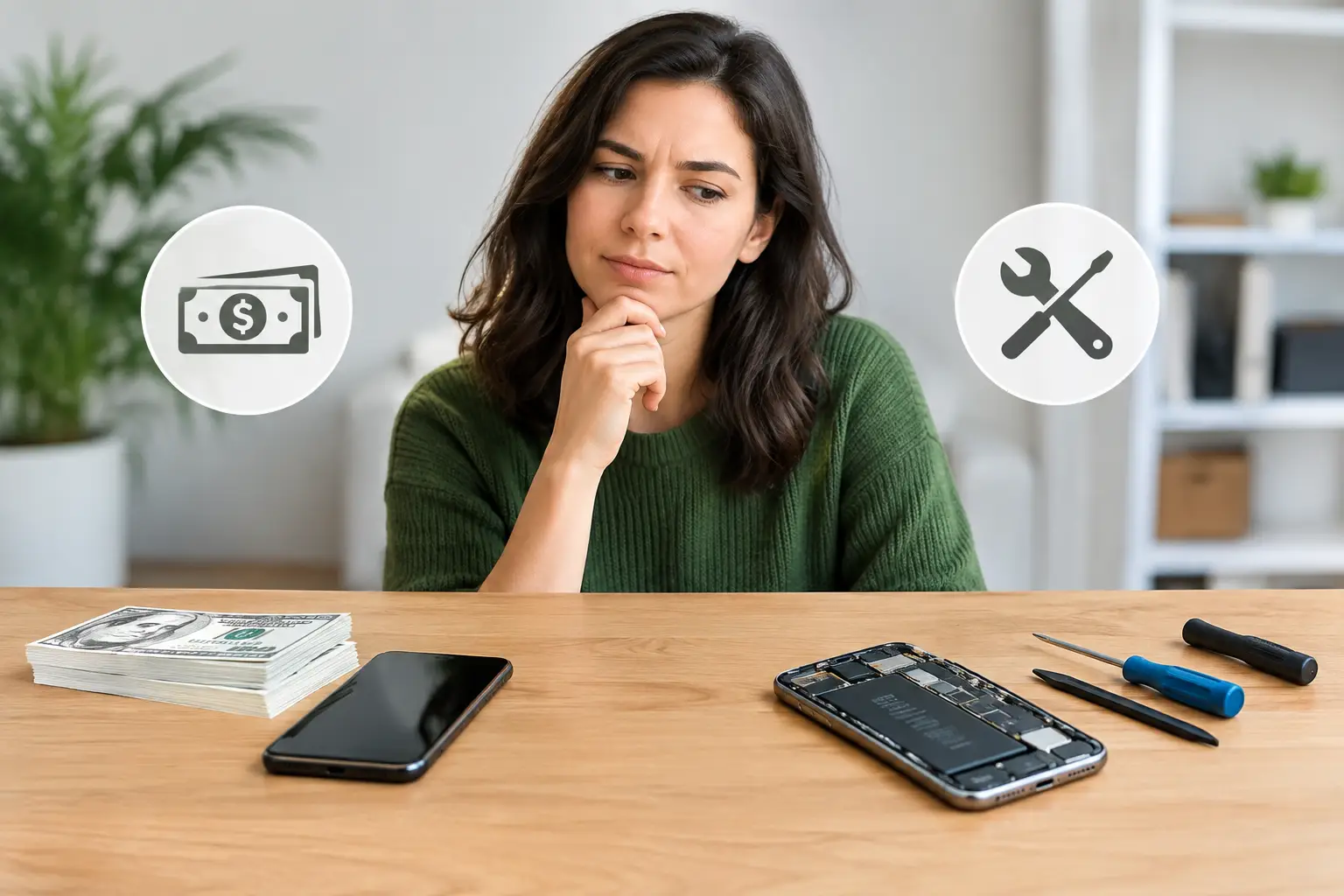
A cracked phone screen on the way to work can make a cash converter feel like the quickest answer: sell the device, take the money and move on. But if the phone, tablet or laptop is otherwise reliable, selling it in its current condition may cost you more than a straightforward repair.
The right choice depends on the device’s age, the fault, its resale value and how urgently you need a working replacement. For many Londoners, the real question is not simply how much cash an old device is worth. It is whether repairing it gets you back online faster and for less than the cost of replacing it.
What a cash converter will usually consider
A resale shop assesses whether it can sell your device on, so its offer reflects more than the original retail price. Condition matters greatly. A clean, fully working handset with a healthy battery, clear cameras and no account locks will generally be worth far more than one with a shattered display or charging issue.
The model also matters. Recent iPhones, Samsung Galaxy devices, iPads, MacBooks and popular gaming hardware tend to have a stronger second-hand market. Older models can still have value, but their price drops quickly when software support is ending, storage is limited or a newer generation has arrived.
Before accepting an offer, expect checks for several essentials: whether the device powers on, whether the screen responds properly, whether it charges, and whether activation locks have been removed. A phone still connected to an Apple ID, Google account or mobile network account can be difficult or impossible to resell.
A cash converter offers convenience, but that convenience comes with a trade-off. The buyer needs room to test, prepare and resell the item, so the amount offered will normally be lower than a private-sale price. If the device has a fault, the offer may fall sharply because the buyer is taking on the repair risk.
Cash converter or repair: start with the fault
Not every damaged device is at the end of its useful life. A smashed screen can look terminal while the phone itself is working perfectly. The same is true of a worn battery that runs flat by lunchtime, a faulty charging port, quiet speaker, blurred camera or software problem.
These are often repairable issues, and a good repair can make a significant difference to what the device is worth and how long you can keep using it. Replacing a battery, for example, may give a handset another year or two of dependable daily use. Replacing a display may be more cost-effective than buying another phone with unknown battery health and repair history.
There are exceptions. Repair is less likely to make financial sense when a device is very old, has multiple serious faults, is heavily bent, suffers extensive water damage, or needs an expensive main-board repair. It can also be sensible to sell when you already planned to upgrade and the repair bill is close to the value of a better replacement.
The practical approach is to compare three figures: the cost of repair, the current resale value in its damaged state, and the cost of replacing it with a device you would genuinely be happy to use. This avoids making a rushed decision after one bad drop or a sudden battery failure.
A simple example
Imagine your phone has a broken screen but still rings, charges and responds to touch. A resale buyer may reduce its value substantially because it needs work before it can be sold. If a screen replacement costs less than the gap between the damaged offer and the value of a fully working phone, repair may be the better financial choice.
That does not mean you have to keep it forever. Repairing first can give you a reliable phone while you decide whether to upgrade. It may also improve the amount you receive if you later sell it, trade it in or pass it on to a family member.
Do not sell your data with the device
A damaged device can still hold a great deal of personal information. Photos, banking apps, saved passwords, travel documents, work emails and authentication codes are all easy to overlook when you are focused on getting quick cash.
Back up anything you need before handing over a phone, tablet, laptop or smartwatch. Then sign out of all accounts and remove activation locks. On phones and tablets, this normally means disabling device-finding services, signing out of your Apple ID or Google account, and performing a full factory reset only after your backup is complete.
For laptops, take extra care. Copy important files, sign out of browsers and applications, remove saved payment details and securely erase the device where possible. If it will not switch on, do not assume your information is inaccessible. A repair technician may be able to restore power long enough for you to retrieve files or remove accounts safely.
If data recovery is your priority, selling the device immediately is rarely the best first step. Get the fault assessed before you give up access to irreplaceable photos, documents or messages.
When repair gives you better value
Repair is particularly worth considering if your device is still current enough to receive security updates, does everything you need and has only one clear fault. This is common with cracked screens, depleted batteries, camera faults, damaged charging ports and speaker problems.
It can be the less wasteful choice too. Reusing a device for longer reduces the need to buy another handset before it is necessary. More importantly, it saves the time involved in moving apps, passwords, banking access, photos and contacts to a replacement device.
For commuters, students and office workers, downtime can be the biggest cost. A cheap replacement bought in a hurry may create fresh problems: poor battery life, hidden damage, limited storage or no reliable warranty. A same-day repair on a device you already know can be simpler and more reassuring.
At Best Tech Repair, devices are assessed with the aim of giving you a clear answer, not pushing you towards work you do not need. If a repair is sensible, you should know what is being fixed, what it costs and what result to expect before the work begins.
When selling makes more sense
Selling can be the better move if you have already upgraded, the device has more than one major issue, or repair would only delay an inevitable replacement. A laptop with liquid damage, a failing motherboard and an ageing battery may not be a sensible investment, particularly if it is no longer receiving operating system updates.
You may also prefer to sell if you need money quickly and can manage without the device. Just be realistic about the price. A cash converter is designed for speed and convenience, not necessarily for achieving the highest possible return.
If you are considering private sale instead, allow for the extra effort. You will need to photograph the item accurately, describe faults honestly, deal with messages and arrange a safe collection or postage method. A higher advertised price is not always a higher final return once time, fees and risk are considered.
Get an assessment before making a rushed decision
The best decision often starts with a diagnosis. If you do not know whether your phone needs a battery, screen, charging port or software fix, you cannot fairly compare repair with selling. What looks like a serious failure may be a smaller, fixable issue.
This is especially useful if you are passing through central London and need your device for work, travel or contactless payments. An assessment can tell you whether a repair is likely to restore normal use quickly, whether your data can be recovered and whether spending money on the device is justified.
A working device is usually more useful than a quick offer for a damaged one. Before you hand it over, find out what is actually wrong, protect your data and compare the real cost of each option. That small pause can save you from replacing a device that still has plenty of life left.